

Here's the uncomfortable thing about Claude Code: out of the box, it is tuned to make you feel productive. It is not tuned to actually produce good results. Those are two different things, and most people never notice the gap. You type what you want, you get a confident answer, and you assume it's the best answer you could have gotten — because the tool is good and the model underneath it is genuinely smart. So you trust it. And a few quiet default behaviours go to work against you anyway.
The reason this matters is simple. Whatever you're trying to make with Claude Code, your real output is capped by two things: the quality of what you get, and the speed at which you get it. Anything that lowers quality or slows you down is costing you, even when the session feels smooth. The four habits below each fix one default behaviour that drags on quality or speed. I'll take them one at a time: stop hearing only "yes," stop trusting "looks done," manage your context, and stop being the bottleneck.
Habit 1: stop hearing only "yes"
You've probably noticed it. You tell the model what you want to do, and it tells you it's a great idea and you're clearly sharp for thinking of it. Then you change your mind, say the opposite — and it congratulates you again for the new direction. It agrees with you either way. It wants you to like it.
This isn't a quirk I'm imagining; it's studied. Researchers call it sycophancy — a long word for an AI being a yes-man. One study, named elephant, measured exactly this and found that models fail to push back on the way you frame something about 88% of the time. Humans, faced with the same framing, give in far less often. And it gets worse the better the model knows you: work from MIT and Penn State found that personalization and long-conversation memory tend to make a model more agreeable over time. That's the trap. The more you use the tool — which is what you should be doing — the better it gets at telling you what you already want to hear.
The fix is to take the model out of agreement mode before it builds anything or signs off on a plan, and make it argue against you. Ask it to play devil's advocate. Make it pull your idea apart and look for the reasons it fails, not the reasons it's clever.
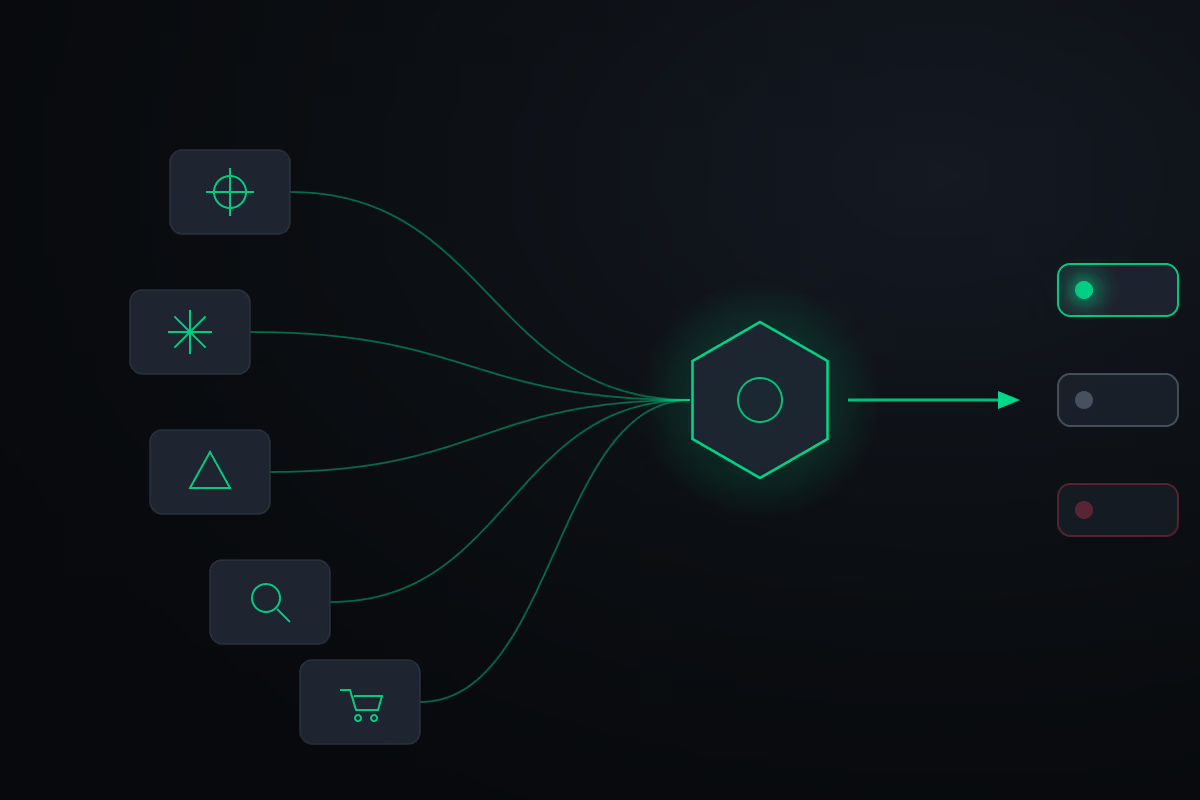
One pattern I lean on builds this into a repeatable routine: a "council" of critic personas, each run as its own sub-agent with a single job.
- A contrarian whose only task is to find the fatal flaw.
- An expansionist who hunts for the biggest possible upside.
- A first-principles thinker working from pure logic, with no outside context.
- A researcher who pulls real market data and competitor pricing off the web.
- A buyer who role-plays your actual customer and says plainly whether they'd pay for the thing.
Then a judge reads everything the council produced and returns one verdict: green-light, reshape, or kill — plus the single cheapest test you could run in the next 48 hours to find out whether the idea is even worth pursuing. The council is a pattern you assemble yourself, not a button that ships with the tool. But you don't need this exact setup to get the benefit. The durable principle is the one worth keeping: stress-test any idea from several angles before you commit to it. Always have a devil's advocate in the room. It's a good default for any decision you take to an AI, whether or not there's money on the line.
Habit 2: "looks done" is not "works"
Once the model builds something for you, there's one step it almost always skips, and it's the one that can cost you days. The model hands you something that looks finished. But finished and working are not the same thing — and the model can sound completely certain about work it never actually checked. It can even tell you it completed a task it didn't finish.
This is measured, too. In a review out of NYU, researchers looked at roughly 1,600 programs generated by a popular code assistant and found that close to half of them, roughly four in ten, contained security flaws. The dangerous part is how easy these mistakes are to miss. You often don't learn they exist until something breaks in front of a client, or during a live demo. Picture telling an agent to send a batch of outreach messages and being told, confidently, that they all went out — only to discover days later that a quarter of them never sent. Low stakes in that case. But the same confident gap, applied to code that ships features or moves real data, is a much bigger problem.
The fix is a verification loop. You make the model check its own work as it builds, and then, after it reports "done," you make it stress-test the result. Think of how a car gets assembled: every part is tested on its own, and then the whole thing is tested again once it's together. That's the mindset.
What this looks like in practice depends entirely on what you're building. For a web page, the loop is concrete: after building it, the model doesn't trust that it looks right — it starts a local server, opens the page in a real browser, and screenshots every section at both desktop and mobile sizes. It clicks through the buttons to confirm they go where they should. Then it goes further and tries to break the page: submitting the form over and over with odd inputs — spaces in front of the email address, malformed addresses, strange names — to surface the edge cases a real person might hit. Each failed case it finds, it fixes, then runs the same test again to confirm the fix held.
The part that makes this work is an explicit definition of done you set up front: the model doesn't stop until every section has been screenshotted at both sizes, there are no visible errors, and the form behaves under bad input. This isn't one magic command. Verifying a landing page looks nothing like verifying a data pipeline or an edited video. It's a methodology — a habit you bake into how you prompt — and its shape changes with the work. The payoff is that what the model finally hands you is something you can review once and approve, instead of something you have to rebuild. You want the result of a careful colleague, not a draft you'll redo from scratch.
Habit 3: manage your context
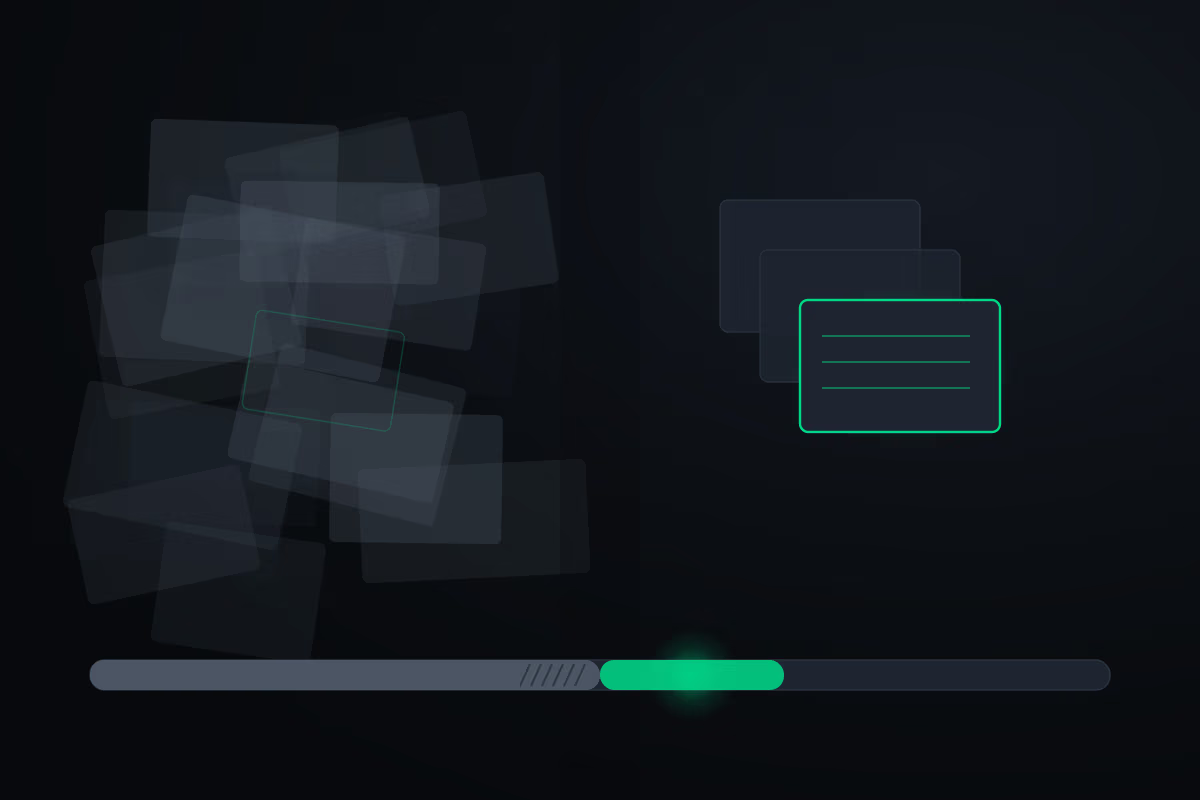
Most of the time, the thing slowing you down has nothing to do with the work itself. You hit a wall: the conversation fills up, the model gets slower, the answers get worse, it burns through your usage limit faster, and it starts acting like it has no memory of what you told it. There's a study on this, too. It's called context rot: researchers tested 18 of the leading models, and every single one performed worse as the conversation grew longer — even on simple tasks. Crucially, the drop-off starts long before the context window is anywhere near full. More is not better. A longer conversation literally makes the model duller.
Picture the model's context as a desk. Pile enough paper on it and finding the one document you need takes far longer, because there's so much else in the way. That's what a bloated conversation does to the model's attention. And there's a second lever next to it: if you're not running the most capable model the task warrants, the work comes out worse regardless — sloppier output, weaker reviews, shakier verification.
So the habit is to handle your context deliberately, before it quietly wrecks your output. A few things are worth knowing. /context shows you exactly what's eating your context window — which files, tools, and instructions are loaded, and roughly how many tokens each costs. /clear wipes the whole conversation and starts you fresh. There's also /compact, which squeezes the existing conversation so you can keep going, but compacting is slow and lossy, and I'd rather clear and start clean.
The trick that makes clearing painless is a structured handoff you capture before you clear. It's a pattern you build, not a stock command: you have the model write a short summary of everything that matters — what you're working on, the decisions you've locked, what's been produced, the key files, any open questions, and exactly where to pick back up. You save that summary, clear the context, and paste it into the fresh window. Now you're sitting in a clean session but carrying forward only what counts, and it doesn't feel like you lost anything. (This sits right next to two things worth reading on their own — how the session limit works and how to spend tokens economically. Managing context is the same discipline seen from the output side.)
Habit 4: stop being the bottleneck
No matter how good your prompts are, there's one hard limit left: you can only point the model in one direction at a time. You are the reviewer and the decision-maker — which means you are the bottleneck. Anthropic's own engineering team tested this directly. They set up a lead agent coordinating a team of small sub-agents working in parallel, and compared it to a single agent doing the whole job alone. The team setup beat the lone agent by over 90% on their internal research evaluation.
A sub-agent, if the term is new, is just a separate instance of Claude with its own clean context and its own task. It works on its piece alone and reports back to your main session. Instead of one worker grinding through steps one at a time, you get a team, each handling a different piece at once. The rule for splitting work is straightforward: anything that can be done independently and in parallel, hand to its own sub-agent. Because each one carries its own fresh context, none of them hits the context rot wall from the previous habit — that's a quiet bonus of working this way.
On top of parallel sub-agents, there's one more move that makes the whole thing feel like working from the future: a goal loop. You define an explicit finish line — a concrete completion condition — and let the model work turn after turn for as long as it takes until that condition is met. This is a pattern you build, not a built-in command, so don't go looking for a /goal button; you set it up yourself. The condition has to be objective for it to work. Not "make it good," but "all six files exist and none is empty, the research names at least six competitors, the draft set has at least 25 entries." The more measurable the bar, the better the loop performs, because the model keeps going until it genuinely clears it.
And here's the piece that ties this habit back to the first one. The goal loop uses a separate evaluator — a second model whose only job is to judge, every turn, whether "done" is actually true. The model doing the work doesn't get to declare itself finished; a different model, with a different role, has to grade it and agree. That separation of worker from judge is the whole point. It directly cures the self-agreement problem from habit 1: the thing that built the work can't also be the thing that signs it off.
Where this leaves you
Stitch the four habits together and the shape of your work changes. You stop hearing only "yes," so you build the right thing. You make the model prove its work, so you ship things that actually function. You manage your context, so the model stays sharp. And you stop being the bottleneck, so work runs in parallel and finishes against a goal without you babysitting every turn.
What that adds up to is a shift in your own role. You move out of being the builder and the producer, and into being the problem-solver, the decision-maker, the reviewer, the judge. That's where the leverage is. Your output was always capped by quality times speed — these four habits raise both at once. Pick the one that's costing you most right now, build the habit, and add the next.