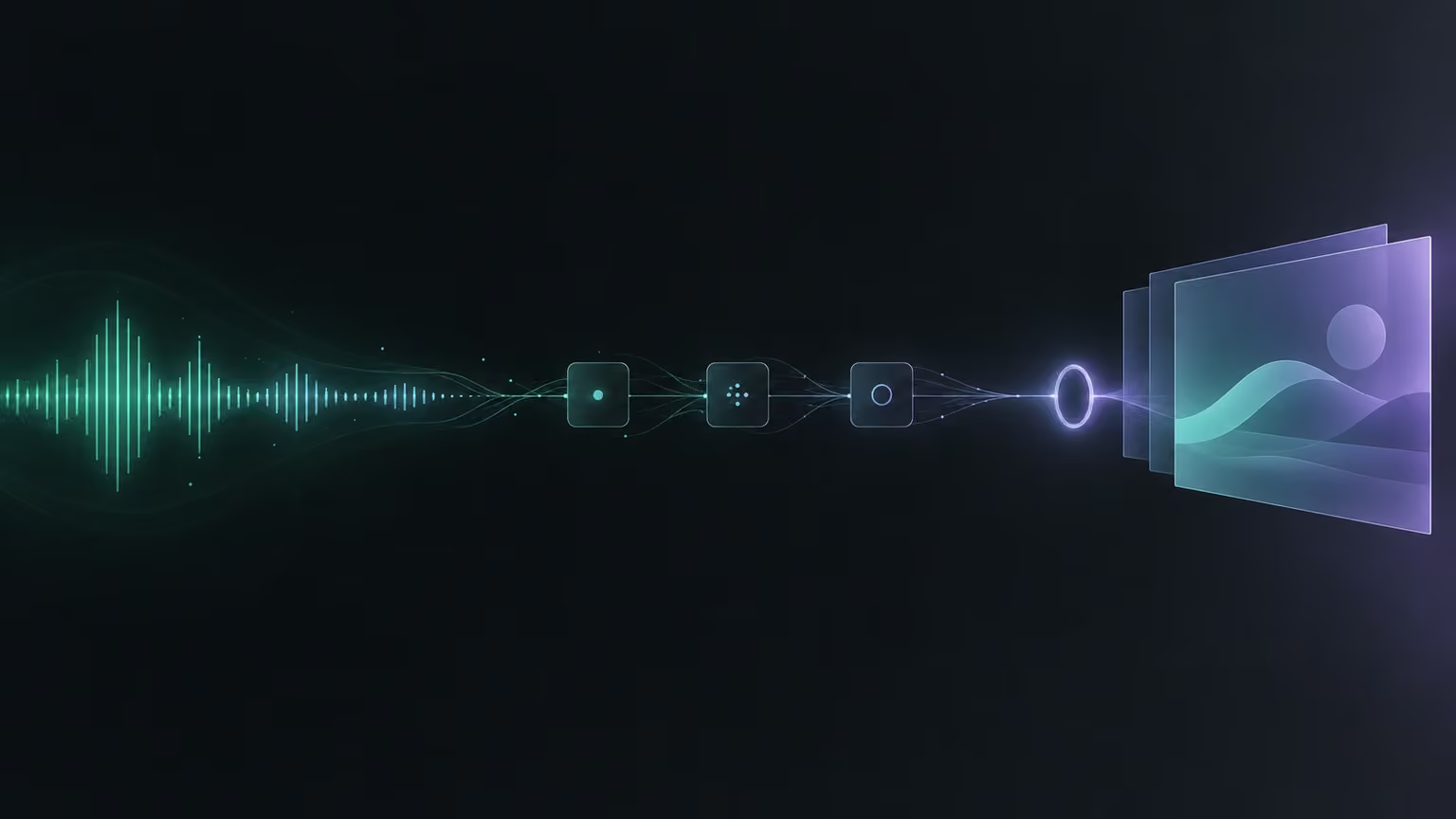
The call with a prospective client has just ended, and now comes the part most people push to the evening: the notes, the summary, and then a proposal deck pieced together from whatever was said in the meeting. Almost all of it can be automated today. Almost, because I leave the last step, deciding what actually reaches the client, to a person, and I'll show you why that isn't excess caution.
I'll walk through the whole setup: how to log the meeting, how to wait until the data is actually there, how to ask a person for approval, how to write the instructions for the model, how to send the text to a slide generator, and what to check in the draft before anyone outside sees it. The tools are examples: a meeting notetaker such as Fireflies, the n8n automation platform, a Google Sheet, Slack for approvals, and a presentation generator such as Gamma. The patterns work the same on a different stack.
Two workflows instead of one
A workflow is a chain of steps an automation runs in order. Each step is a node: a single block that does one thing, such as fetching data, writing a row to a sheet, or sending a message.
The first design decision is the least exciting one and pays off the most: you split the system into two separate workflows. The first one only records that a meeting happened. The second one does something with that record, in this case builds a proposal.
The reason is simple. You don't always want the same thing after a meeting. After a sales call you need a proposal; after an internal meeting a short note is enough; after a call with an existing client maybe a task list. If you bake the meeting log into the proposal workflow, every new path means rebuilding the whole thing. If logging stands on its own, you add branches on either side and nothing breaks. It's also easier to follow what's going on, because each workflow has one job.
The webhook carries only an ID, and the summary arrives later
The first workflow starts from a webhook. A webhook is an address that another program calls on its own when something happens. In your notetaker's developer settings you paste the production webhook URL from n8n and tick the "transcription complete" event. From then on, every finished and processed meeting triggers your workflow.
The first surprise comes right away. The notification itself carries almost nothing: the meeting ID and the event type. No transcript, no title, no attendees. So the next node makes a separate request: "give me everything about the meeting with this ID." That response is what brings the transcript as a list of sentences, the title, the host's email, keywords, and the summaries the notetaker generated itself: bullet points, action items, the gist of the conversation.
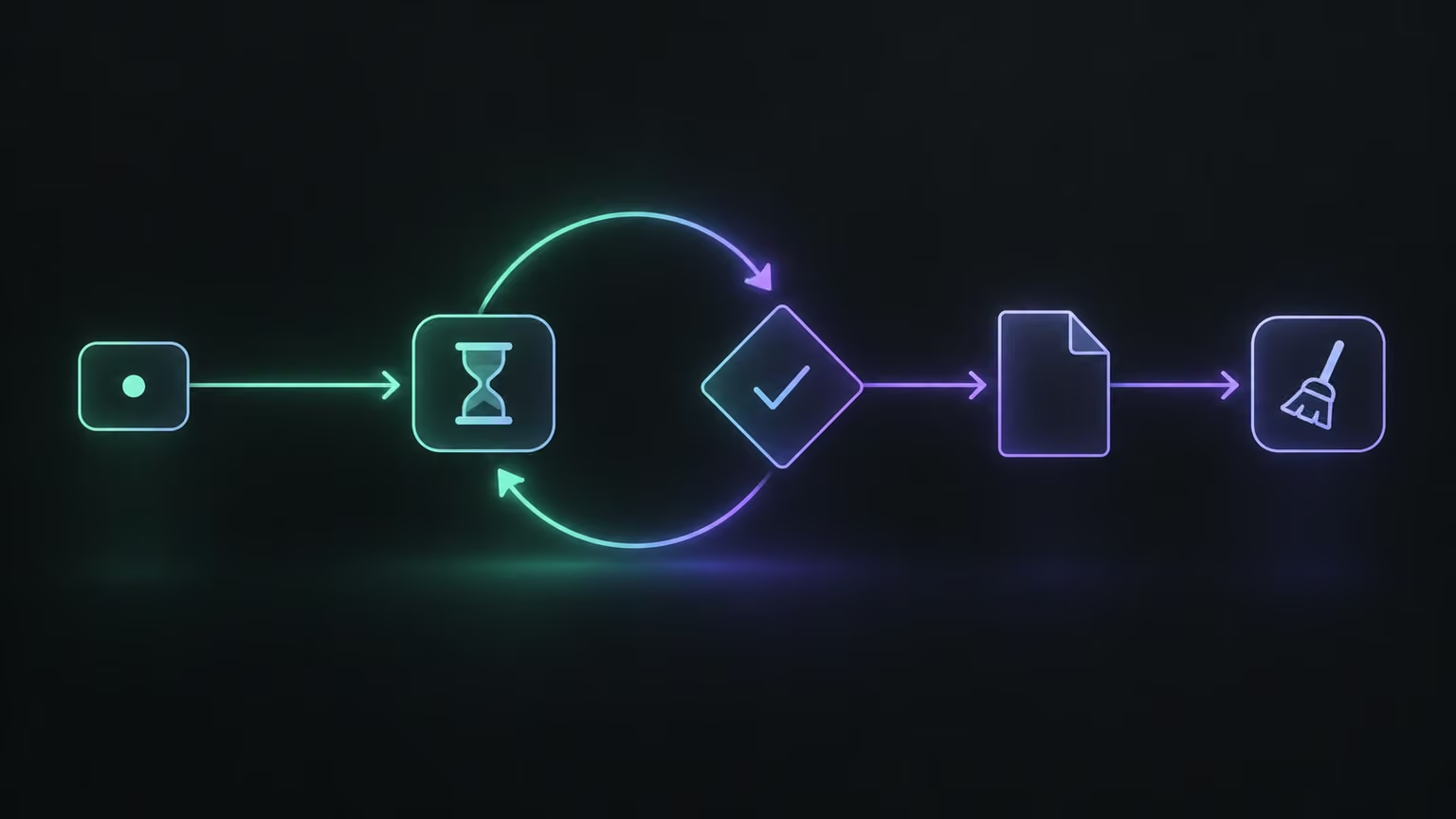
The second surprise only shows up in practice. If you ask right after transcription finishes, the AI-generated part often isn't ready yet. The transcript is there, the summary isn't. The fix is polling, which means checking repeatedly: the workflow waits a moment, requests the data, and a condition node checks whether the gist exists yet. If it does, the flow moves on. If not, it goes back to waiting and asks again. The loop keeps going until the data is complete.
Then you clean the data. The response comes as JSON, a structured text format of fields and values, and you need to pull out what you actually use: first the list of people who spoke, and in the second workflow a readable transcript as well. Readable means each speaker's name appears once at the start of their turn, not in front of every sentence.
You don't have to write that code yourself. Copy the full JSON coming into the code node, paste it into an AI chat such as Claude or ChatGPT, and say it plainly: I need code for an n8n node, here is the input data, I want the list of speakers as output. The model sees the structure of the data and writes code for it. It's rarely perfect on the first try, so you paste the code in, run it, and if the result is wrong you go back to the chat with three things: what it gave you, what happened, and why that's not what you need. A few rounds of that usually does it.
The sheet as memory, and a question for a person
The last step of the first workflow appends a row to the sheet: date and time, meeting title, attendees, the gist, a status, and the meeting ID. The ID is the most important column, because it's the only value guaranteed to be unique. Titles repeat and dates overlap; the ID doesn't. Every later step that needs to find this meeting again looks it up by that ID.
The status column starts with a neutral value and then changes as things move: declined when nobody wants a proposal, generated once a draft exists. That makes the sheet both a log and a status board. One glance tells you which calls led somewhere and which didn't.
The second workflow starts when a new row appears in the sheet. It fetches the meeting data again and keeps only the last item. That's a small guardrail: if two meetings end at the same moment, the workflow processes one and doesn't get confused.
Then comes the step you shouldn't skip: asking a person. Human-in-the-loop means the automation pauses and waits for someone to decide. Here it looks like this: a Slack message arrives saying "the meeting has ended, generate a proposal?" with two buttons. Yes starts the generation. No sets the status in the sheet to declined and ends the run. Not every call ends in a proposal, and generating one after every call clutters the inbox and costs money.
A prompt with a skeleton
The core of the second workflow is the proposal agent: a language model with a system prompt that sets how it should work. The model will produce something slightly different every time. The more structure you give it, the less that randomness hurts. I build the prompt in five layers.
Role. The model acts as an experienced AI solutions consultant and sales engineer who turns a raw transcript of a discovery or sales call into a polished, client-ready proposal.
Objective. Use the transcript, and only the transcript, as the source material.
Constraints. The document is entirely client-facing. It contains no follow-up questions, no internal notes, and no text about how it was produced. Where specific data is missing, the model inserts a clear placeholder, such as [amount to confirm], instead of inventing details. This one rule saves the most work during review.
Tone and style. Matter-of-fact, confident, and readable for a decision-maker rather than an engineer.
A fixed section structure. Title page, executive summary, problem and challenge, proposed solution, return on investment, intangible benefits, implementation roadmap, success metrics, and finally "why us". This list does more than the rest of the prompt combined, because every proposal gets the same backbone and is quick to review.
The output is one block of text. It isn't ready for the client yet, but it's finished material for slides.
Calling the slide generator, and a second way in
An API is a service entrance to a program that lets another program talk to it directly, without clicking through the interface. The presentation generator has one: you send it text, and it builds slides with headings, icons, and images.
At first the request body looks intimidating, because it has a long list of fields. The way through it is boring and works. Copy the example request from the documentation, then go field by field and answer three questions for each: is it required, what does it do, and what do you want. The input text is the agent's output. Set the text mode to preserve, because you don't want the generator condensing or rewriting what the agent carefully assembled. The theme is the ID of your own template, copied from the generator's settings. Then the amount of text per slide, tone, audience, and image source. Last, sharing: comment access and an automatic email with the link to your internal address, so you don't have to hunt for the finished deck. If the docs are unclear, paste the link into an AI chat and describe the deck you want back.
One detail is easy to miss. Before you drop the agent's text into the request, strip out line breaks and quotation marks. A single unescaped quote can break the whole request body, and the call fails. A simple replace function before sending fixes that for good.
After the call, the workflow posts a Slack note that the deck is being generated and updates the row in the sheet. This time it doesn't append a new row; it finds the existing one by meeting ID and changes the status to generated.
That leaves the second way in. Sometimes you click "no" and change your mind later. So next to the automatic trigger sits a simple form with one field: the meeting ID, copied from the sheet. The form runs the same steps: fetch the data, clean it, agent, generator, notification, status update.
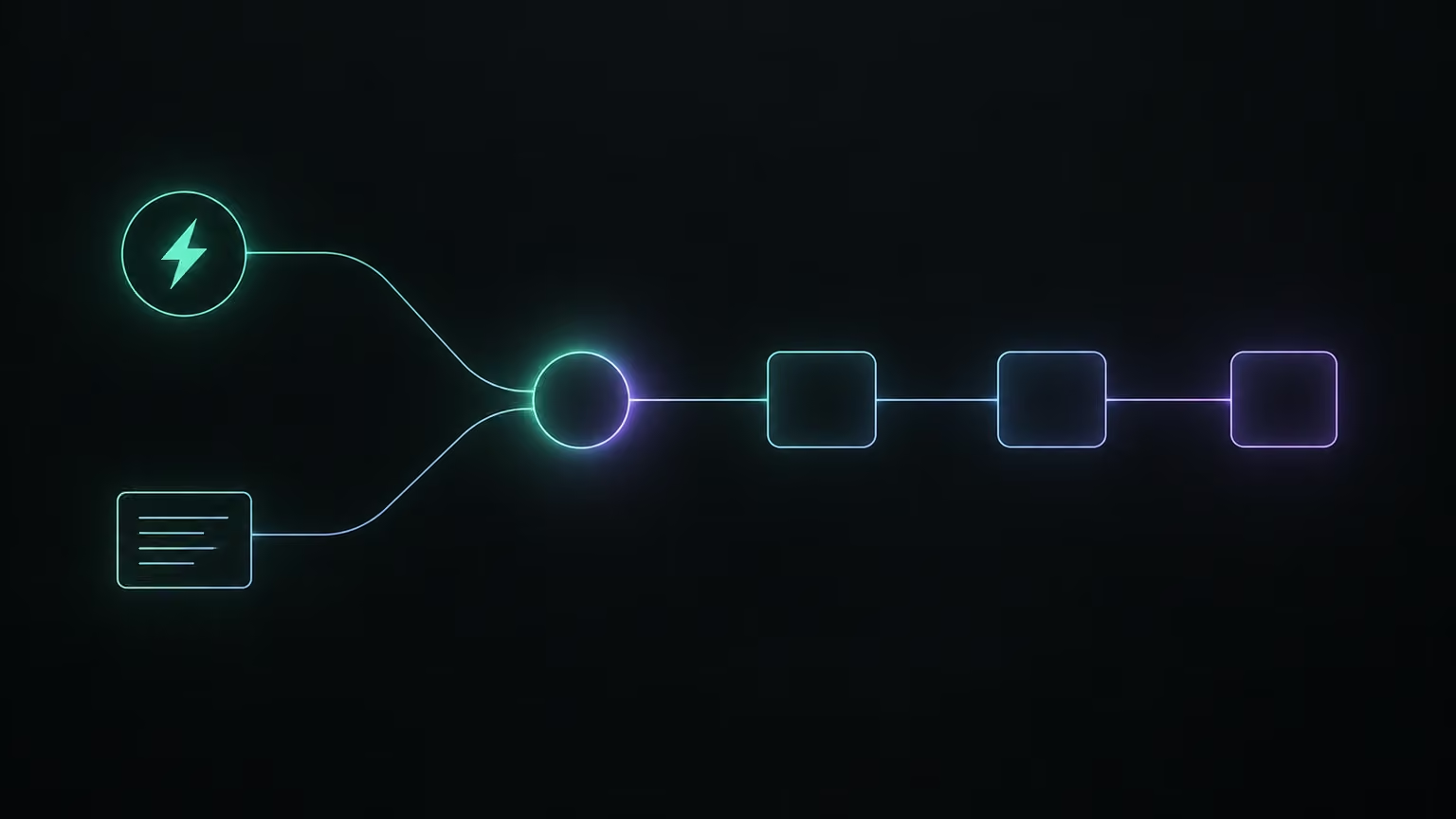
Here a problem appears that only shows up once there's a second path. Each run goes down one path, never both at once. If the agent and the later nodes point directly at a node on the automatic path, then on a run from the form that node simply doesn't exist and the workflow falls over. The fix is a standardizing node, in n8n a Set node. Both paths feed into it and expose two fields under the same names: the transcript for the agent and the meeting ID for the sheet update. Everything downstream reads only from that one place, no matter which way the run came in.
A draft, not a proposal: what you check before sending
The finished deck looks professional, and that's exactly what makes it risky. It covers most of the distance, but not all of it. AI works on both sides, writing the text and laying out the slides, so two runs for the same call will give you two slightly different decks. You treat the output as a draft that a person reviews.
Start with the numbers. The model will confidently work out hours saved, cost savings, and a drop in errors from the call, even if the client only gave rough estimates. Those figures look credible because they sit in highlighted boxes on the return-on-investment slide. Verify each one against the client's real data, or remove it. A proposal with an invented number is worse than one with no number.
Then the charts. The generator likes to add a "with automation versus without" comparison where it's unclear what the axes show and the colors don't match the legend. If you can't say in one sentence what a chart shows, cut it.
Next, the roadmap. The agent will happily lay out a schedule in weeks. It might be right, it might not, and the model has no way of knowing. You set the timeline yourself, based on what you know about the team and the scope.
Last, check for placeholders that still need filling, and look for leftover system text that shouldn't reach the client.
One improvement worth considering: the "why us" slide is weakest when the model writes it from nothing. Give the agent access to a database of your company's past projects, and it can find the one closest to the topic of the call and build the slide on a real case. The proposal then stops reading like a template.
The principle I take from this: the automation should take the work off your plate, not the signature. Everything that leads up to the draft can go to the machine. Everything the client will read as a commitment, meaning numbers, dates, and promises, goes through a person. If you want to start, build only the first workflow: a meeting log in a sheet with an ID and a status. Once it has filled itself for a week without your help, adding the proposal is just one more branch.