

It is easy to start with GitHub Copilot's cloud agent in the wrong order: switch it on, see what comes back, and set the guardrails only after the first surprising pull request. But the cloud agent doesn't sit next to anyone at a keyboard. It takes a task, works alone in its own environment and hands the result back for review. What you prepare beforehand decides most of the quality: which task you pick, what the issue says, and what rules the repository enforces.
Chat, agents and automation are three different things
Chat is a back-and-forth of questions and answers. You ask why a test is failing and you get an explanation. Some chat experiences can call a tool or hand off to an agent, but conversation is what they are built on.
An agent is a system that takes a goal and picks its own steps to reach it. It plans, uses tools, checks the result and adjusts. Ask it to fix a bug and it will search the repository, find the relevant files, change the code, run the tests and revise the change if the tests fail.
Automation is work started by an event or a schedule. It can run fixed steps or call an agent. Not every automation is agentic.
The three combine well. You use chat to work out why a test fails. You ask an agent to fix the code and run the suite. If the same kind of failure comes back every week, you set up an automation that starts an agent each time it happens.
Where Copilot works as an agent
The same Copilot runs in several places, and each one gives you a different degree of control:
- agent mode in your editor (VS Code, Visual Studio, JetBrains, Xcode, Eclipse): you work alongside the agent, see every change and approve terminal commands;
- Copilot CLI: an agent in your terminal that answers questions, edits files and runs commands locally or in a sandbox;
- the GitHub Copilot app: a desktop app for running several agent sessions in parallel, from the first task to pull request review;
- the cloud agent on GitHub: you hand over a task from the Agents view, an issue, a pull request or chat, and the agent works in a cloud environment, makes changes on a branch and opens a pull request for review.
On top of that there are third-party coding agents that return their changes through the same pull request flow, and integrations that let you start the cloud agent from tools your team already uses, such as Slack, Microsoft Teams, Jira, Linear or Azure Boards.
When you want to steer the work step by step, use the editor or the terminal. When you have a well-defined task and would rather look at a finished result later, give it to the cloud agent. When the same work keeps coming back, set up an automation.
What the cloud agent changes for a team
The cloud agent doesn't need a shared session at the keyboard. It behaves like a team member you assign an issue to. It opens a draft pull request, waits for review and revises the change based on feedback, just as a developer would.
In practice that changes two things. A developer doesn't have to stop what they are doing to make a small fix: from the editor or from GitHub they ask the agent for a pull request and keep going. And the agent can work on several issues at once, in the background.
This is also where responsibility starts. However autonomous the agent is, you set the goal and the constraints. You decide what it can access, and you review what it produces.
Which tasks to give the agent, and which to keep
The agent does best with tasks that are clearly described and narrowly scoped. Good starting points are:
- bug fixes, including flaky tests;
- more test coverage;
- user interface changes and accessibility fixes;
- documentation and configuration file updates;
- paying down technical debt in a known, contained area.
Some tasks are better left to people:
- broad and complex: refactoring that needs knowledge across repositories, work in legacy code with tangled dependencies, tasks heavy with business logic or deep domain knowledge, large changes where design consistency matters;
- sensitive and critical: production-critical issues, incident response, anything touching security, personal data or authentication;
- ambiguous: tasks with no clear definition, open-ended work, problems where the solution still has to be worked out;
- learning tasks: work a developer wants to do themselves to understand the problem.
Start with tasks whose result you can judge in a few minutes of review. After a few weeks you will see where the agent copes, and only then move the line.
The issue is the prompt
When you assign the agent an issue, its text becomes the instruction. Before you assign it, ask one question: would this description work as a prompt?
A good issue for the agent contains three things:
- a clear description of the problem or the work to be done;
- acceptance criteria, meaning what a good solution looks like, for example whether unit tests are expected;
- pointers to the files that need to change.
The third point isn't always essential. The agent searches code semantically, by meaning and not only by exact text, so it often finds the right place by itself. A pointer still saves it time.
When the task is larger, don't ask for a pull request straight away. Ask the agent to research the repository first, draft a plan and make changes on a branch. You review the diff, correct the direction, and only then decide on a pull request. This mode helps when you want to understand the code before changing it, or agree on an approach before a single line is written.
Review: treat the agent like a developer
You handle a pull request from the agent the same way as one from a person. It's rarely ready to merge in its first version, and that's normal.
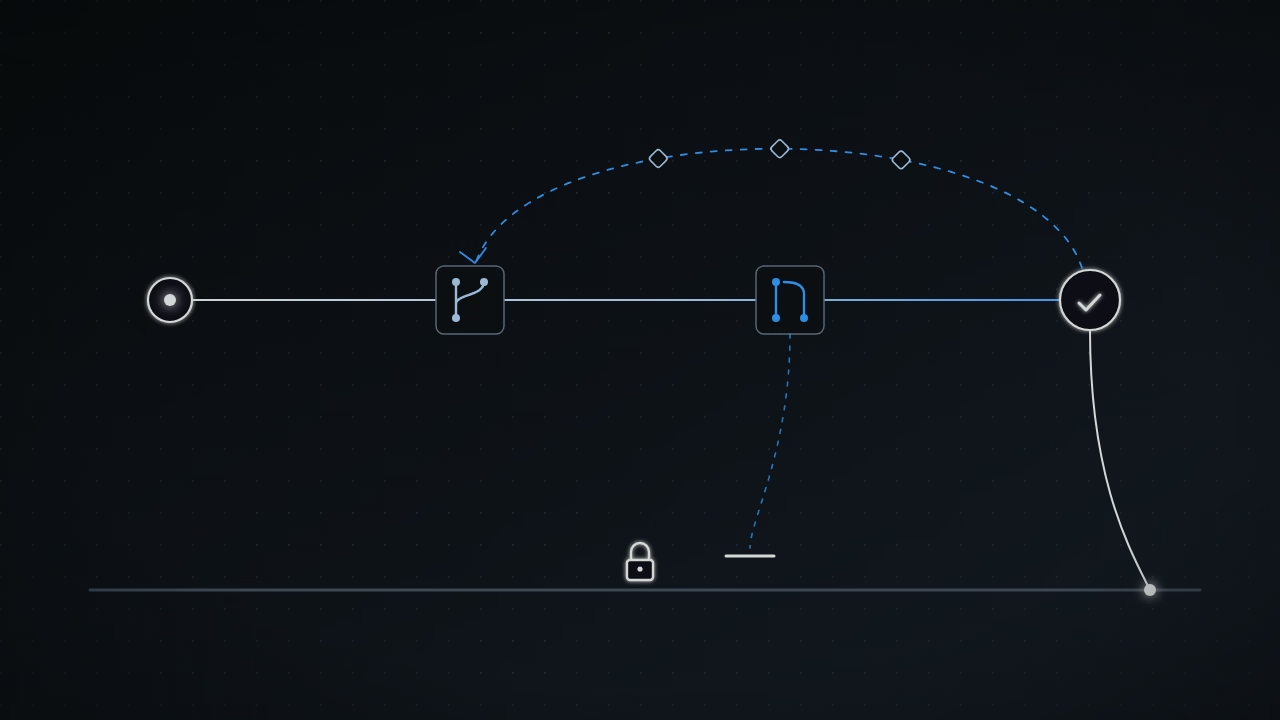
You have three ways to get it there:
- write a comment that tags
@copilotand explains what is wrong or what to improve, and the agent pushes new commits to the pull request branch; - ask the agent to resolve merge conflicts;
- work on the branch yourself and push your own changes.
The agent starts working as soon as a comment is submitted. If you have several remarks, don't send them one by one. Use Start a review, collect all your comments and submit them together, so the agent works on the whole review at once rather than on each comment separately. The agent only responds to comments from people with write access to the repository. It keeps the pull request title and description up to date as it changes the code.
Guardrails you set before switching the agent on
The cloud agent has built-in protections: it can't push to the default branch and it can't merge pull requests. That's a starting point, not the end. Plan the agent's limits before you enable it, not after the first incident.
Where the agent runs at all. Decide which organizations and repositories the agent will be enabled in, and which external tools it will reach through MCP. Enterprise-level policies set the minimum, and organization owners can tighten them further.
Branch rules. The agent is subject to rulesets just like people are. Check three things:
- whether repositories with the agent need extra rules, such as required code scanning results; a custom property makes those repositories easy to target in one ruleset;
- whether any existing ruleset will block the agent, since it can sign its commits but may not satisfy other rules on commit metadata;
- whether Copilot and MCP configuration files are protected by a
CODEOWNERSfile with required code owner review, so changes to them always go through a named team.
Secrets. Keep data and credentials the agent should not see as GitHub Actions variables and secrets. The agent can't read them in its sessions or in environment setup steps. Anything the agent does need goes in separately, as agent secrets and variables at the organization or repository level.
The machines it runs on. The agent runs on GitHub Actions runners. The recommended choice is GitHub-hosted runners, because every session starts on a fresh virtual machine. If you use self-hosted runners, make them ephemeral. An organization owner can pin the agent to runners with a specific label.
Workflows on the agent's pull requests. By default, GitHub Actions workflows on the agent's pull requests don't run until someone with write access approves them. Repository administrators can turn this off, so agree on the setting with them in advance.
GITHUB_TOKEN permissions. Review its default permissions. They don't affect the credentials the agent gets for its sessions, but GITHUB_TOKEN is used in the environment setup steps in copilot-setup-steps.yml. Developers can set their own permissions there, so hold everyone to least privilege.
Access to the outside world. By default the agent sees the full GitHub context of its repository through the built-in GitHub MCP server, and authentication barriers plus a firewall keep it away from external data. Every MCP server you add is a deliberate widening of that boundary.
A first trial with your team
Before the agent reaches everyone, test it on a small scale:
- Gather people from different roles. Different perspectives mean different ways of writing issues and giving review feedback, which is exactly what you want to explore.
- Pick a low-risk repository, for example one with documentation or internal tools. A brand-new playground repository has a catch: the agent needs context, so you would have to add your team's processes, environment and common dependencies yourself.
- Prepare the repository: Copilot instructions, the tools pre-installed in the agent's environment, and MCP servers if needed.
- Choose a few concrete use cases, such as test coverage or accessibility.
- Rewrite the issues along the lines of this article, assign them to the agent, and get the team ready to review.
- Look for small fixes as you go: while reading code in the editor or on GitHub, ask the agent for a pull request whenever you spot a minor flaw.
Throughout the trial, keep refining the instructions, the tools, MCP access and the way issues are written. Watch how the agent consumes AI credits and GitHub Actions minutes; that knowledge will help when you plan the budget. The agent requires a paid Copilot plan.
When the trial goes well, extend the agent to more repositories, train people on new use cases and keep collecting feedback. Judge the tool's impact by the goals your team already has, by what happens further down the delivery process, not by how many pull requests the agent opened.
The principle to keep
The cloud agent does exactly as much as its issue, its environment and the repository's rules allow. A good result comes less from the model than from the work done before the task is assigned. If you have an issue that has waited months for a small fix, rewrite it along the three points in the section on issues and see what the agent does with it.
Your team works with GitHub Copilot? See the GitHub Copilot pilot.