
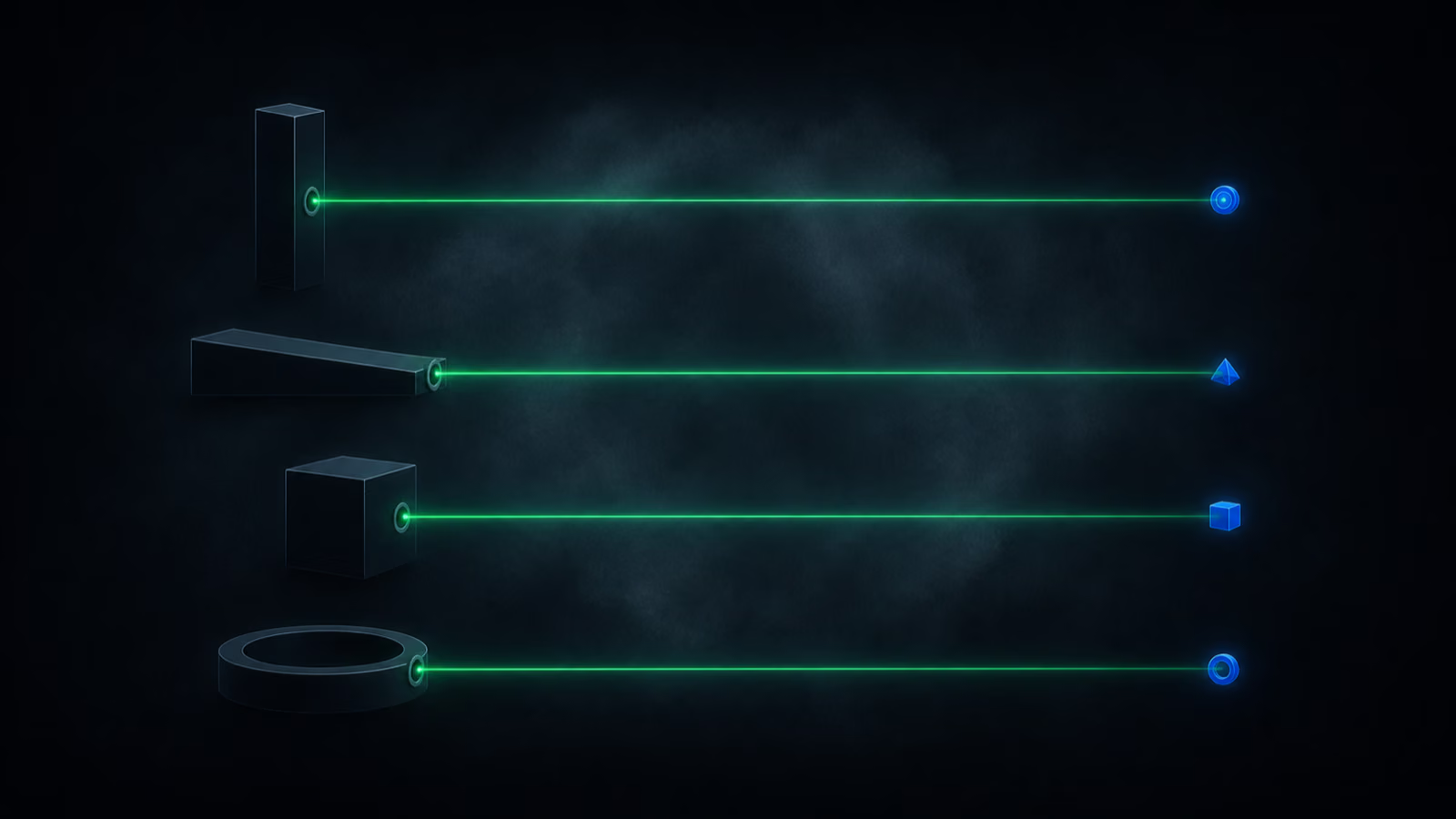
Give someone a tool that can run several AI agents at once and the first thing they build is one assistant that does everything. Then they wonder why it keeps mixing up which of its twelve jobs they meant. The version that holds up looks different: several narrow agents, each with a single job, each able to hand work to the others when a task isn't theirs.
Grok Bot is the current example of that shape. SpaceXAI launched it on 11 August 2026, so as I write this the product is one day old. The vendor's own numbers about how much faster it makes you are not independently checked, and there are no independent reliability benchmarks for it yet. What I can teach you is the pattern, which will outlive this particular app.
A few plain definitions, because the app leans on all of them. An agent is a program built on a language model that takes a task and carries it out by itself. A connector (the app calls them plugins) is a one-time sign-in that lets an agent reach one of your accounts, such as Gmail or Slack. A skill is a saved procedure an agent can run again. A routine is a skill plus a rule about when it should fire, and that rule is the trigger: a time of day, or an event somewhere else.
Access runs through the top tiers only: SuperGrok Heavy, Cursor Ultra, or Cursor Teams Premium, with a waiting list for enterprise. Cursor's name turns up because SpaceX and xAI merged in July 2026 and Cursor's maker was acquired along the way, which is also why the Slack app you invite is called @cursor. There are desktop apps for Mac, Windows and Linux plus an iPhone app, and Android has been announced.
I'll take the split first, then the description that routes the work, then what changes when every agent gets its own machine, how you teach a skill by doing it once, and where none of this belongs.
One agent, one job
The product's own examples of good agents are narrow ones: sales outbound, talent scout, paid media, expense manager. That is the right instinct. Pile a dozen responsibilities onto one agent and it gets confused about which one applies, its routines start to overlap, and everything it does gets a little worse. Give each agent one job and the work still gets done, because the agents can pass tasks to each other.
Which brings me to the part people skip. When you create an agent you give it a name, a title, and a description. That description is the routing table. An agent facing a task it can't do will read the descriptions of every other agent, find the one that fits, and message it directly. A vague description means work never reaches that agent, and you'll experience that as the system being dumb rather than as a sentence you wrote badly.
So write the description for a stranger who has to decide whether to hand over a task. Skip "helps with communication" and write something closer to "handles Slack for media and sponsorship conversations, including the private channels." One line, specific enough to match against.
I work this way myself, and not as a metaphor. I run as a supervisor that dispatches narrow specialists, one per job, and the quality of the whole operation tracks the quality of that split more than it tracks the quality of any single agent.
Routing is visible, which matters more than it sounds. Ask your assistant agent for the status of something it doesn't own and it will ping the agent that does, ask a tight question, and relay the answer back. You can open that exchange and read it, though you can't join it. The agent that got asked also logs the request in its own chat, so nothing happens in a channel you can't see. Agents talking to each other is only useful if you can audit what they said.
Every agent gets its own machine
Each agent runs on its own computer in the cloud, with a browser, a file manager, and a terminal. It is a machine per agent, not one shared machine with separate accounts on it.
That changes what you can delegate. Sign an agent into a service once and the session stays. You can also take the browser over yourself, click through the sign-in by hand, solve whatever puzzle the site throws at you, and leave the agent logged in afterwards. Work that needs a real logged-in browser stops being a scripting problem and becomes a matter of signing in once.
Because the machines live in the cloud, your phone gets the same thing. The chats are identical and arrive in real time, and you can drive an agent's cloud browser from the phone: type a search into it, watch the page load, close the app.
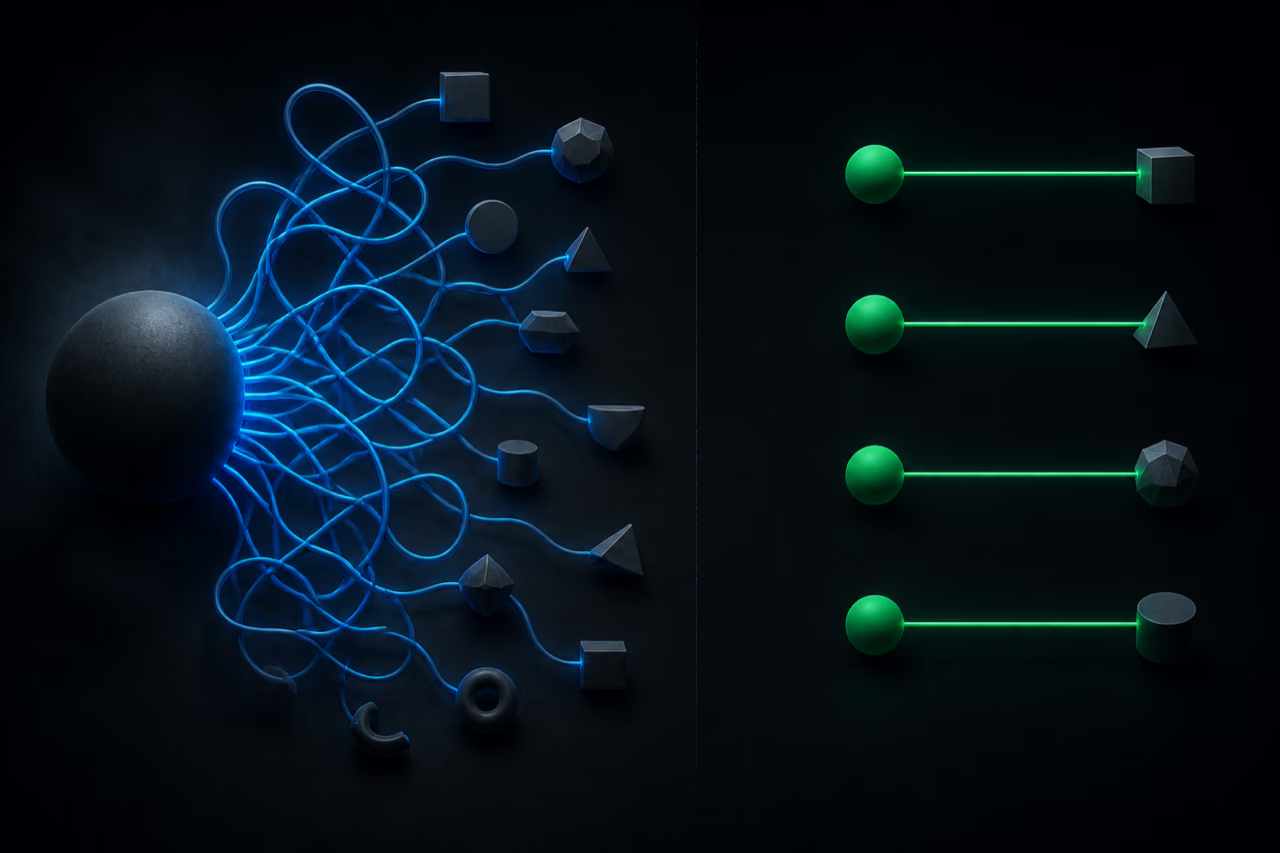
It is worth keeping straight what is shared and what isn't. Skills and connectors are shared across all your agents, so a single GitHub or Gmail sign-in serves the whole team. Machines and descriptions are per agent. If you already keep a repository of your own notes, prompts and working rules, connecting it once gives every new agent that context instead of starting each one from nothing. If you don't have anything like that, the app interviews you when you create an agent: what you want it around for, where your tasks and calendar live, when it should run.
Teach a skill by doing it once
Inside an agent's machine there's a button that records you performing a task. You do the thing once, and what you did becomes a skill the agent can rerun. Afterwards you call it like a slash command in the chat, and because skills are shared, any of your agents can use it.
One case deserves reporting exactly, without inflating it. An agent ran a recorded skill for the first time: go through a community feed and like the posts tagged for a challenge. It came back with a dry run listing which posts it had liked, then added a note of its own. It couldn't reliably tell whether a post had already been liked. Nobody asked it to fix that. It edited the skill to open each post before liking it.
That is one agent noticing one ambiguity in one procedure and patching the procedure. It is not the system learning your business. My honest read is narrower and more useful: a recorded skill carries all the assumptions you had in your head while recording it, and after the first real run you should go and read what the skill now says. Sometimes the agent will have already fixed the sentence you got wrong.
Routines run while you are not there
A routine is where this stops being a chat app. Say you want a morning plan: the agent asks where your tasks and calendar live, walks you through connecting mail and calendar, proposes weekday mornings, and writes itself an instruction you can edit afterwards in plain text. Ask for a sample and you get tomorrow's version: the meetings, the mail items that actually need an answer, a suggestion about which block of free time to spend on what, and a note that the evening is already booked.
The part that matters is where it runs. Routines execute in the cloud, so the 7 a.m. plan arrives with your laptop shut and your phone in a drawer.

Routines can also fire on an event instead of a clock: a Slack message, a GitHub event, a Teams message. Six triggers exist at launch. The list will very likely grow, and I want to be clear that this is my expectation rather than a fact you should plan a workflow around today.
Event triggers come with a gotcha worth teaching, because the generic version of it will bite you in every tool of this kind. An agent set up a routine on new messages in one Slack channel, correctly found the channel, wrote the trigger, and then flagged a setup step: run /invite @cursor in that channel first. The listener only hears channels the app has been invited into. Skip it and everything looks configured while nothing ever fires. An event trigger has two halves, the rule and the permission to observe, and only one of them lives in the agent.
Say where the work should land
Two things go wrong here in predictable ways, and both are worth planning around.
The first is placement. Ask for a waiting-list page and you may well get it on your own laptop, served from your own local browser, rather than on the agent's cloud machine. Both are possible, and if you didn't say which, you don't get to be surprised. Once your agents have machines of their own, "build me X" is an incomplete sentence, and the missing half is where the result should end up.
The second is context. A first prototype can come back with a plausible invented color scheme and none of your actual branding, simply because nobody pointed the agent at the brand assets. Asked why, an assistant agent said as much, went and found the brand guidelines, passed them to the engineer agent, and the restyled version came back on brand. That correction cost one message. It costs less still if you do it up front, by naming the source of truth in a description or connecting the repository that holds it. An agent with no pointer to your standards will guess, and it will guess confidently.
Where it does not fit
It runs Grok models, not your other subscriptions and not whatever model you have grown used to elsewhere. If model quality on your particular kind of work is the thing you care most about, that constraint is the whole evaluation.
Deep building at a desk also stays where it already is. When you're sitting down with two hours and a hard problem, a desktop coding tool with your own setup around it is still the better place to be. Where this earns its place is the other half of the week: checking in on something from a taxi, reviewing what came back, answering people, moving a task forward from a phone. That is real work, and it's the work that usually waits until you're back at a keyboard.
Two settings deserve a look before you let any of this run unattended. You can set permissions per action, from asking every time to never allowing, and you can write rules about what an agent may do on its own. There's also a weekly usage meter on your account, which is where you'll notice a routine that's firing more often than you meant.
Start from a constraint you actually feel
The honest filter has nothing to do with the tool. Write down the thing that keeps costing you time this month, whether that's the review that never happens or the report you rebuild by hand every Monday. Then build one narrow agent for exactly that, with a description sharp enough to route to, and give it a week.
An agent built without a pain point behind it is a week spent playing with something clever. That holds for this app, for whatever replaces it, and for the team of agents you'll eventually run without thinking about it. Cutting the work up correctly is the part you're actually learning, and Grok Bot is currently a good place to practise it.