
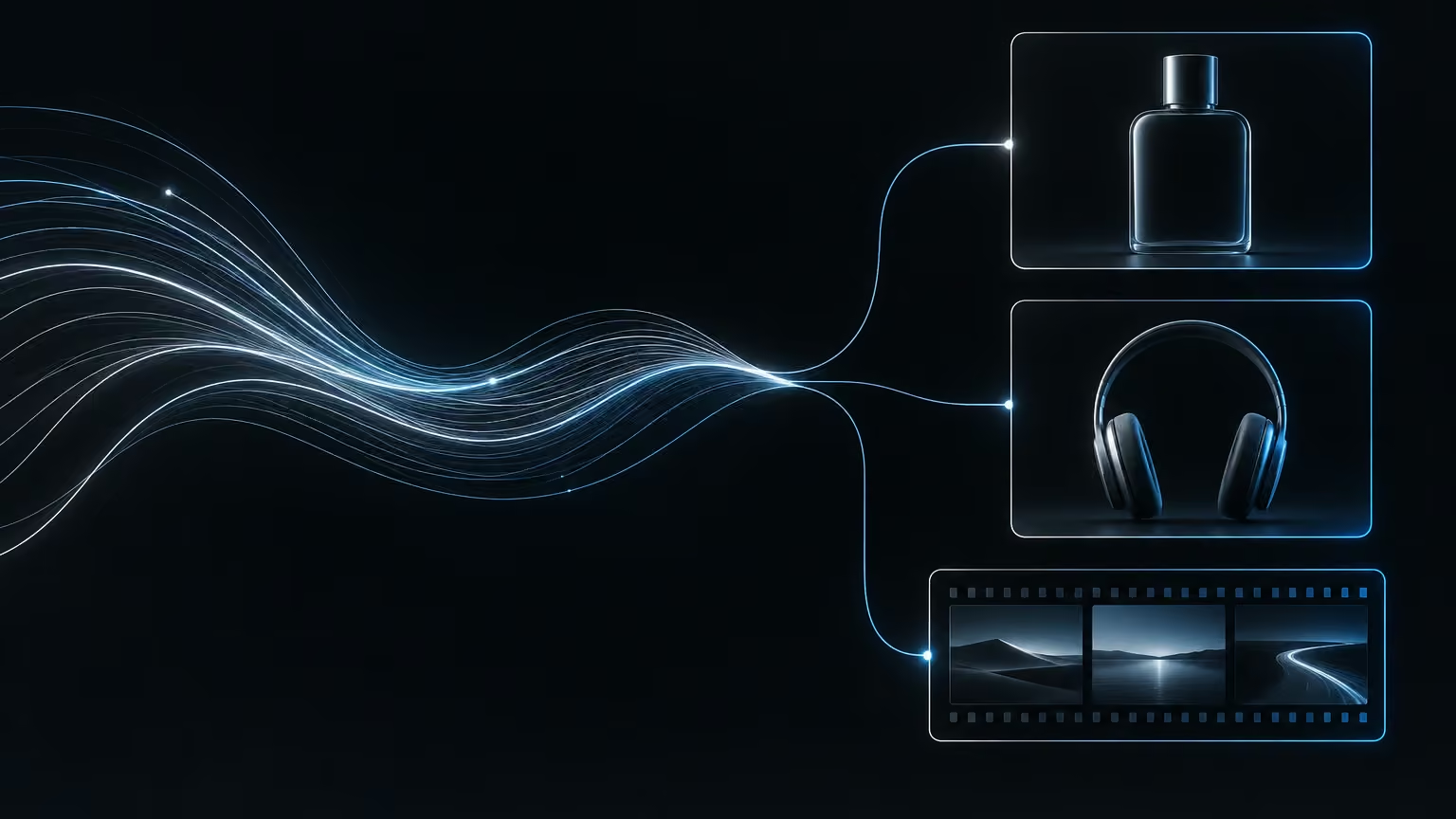
Most people use image and video generators the same way. They open the site, type a description, wait, download the file and start over. For a single graphic that's fine. Once you need a few dozen ad variants to test across several channels, the bottleneck stops being the model and becomes you: your memory of which description produced a good result, and your time spent clicking. I'll show you how to connect Higgsfield to Claude, what the pair already does well in an ordinary chat, and then how to turn it into an organised process with a spreadsheet, skills and scheduled tasks. At the end you get a set of criteria for deciding whether a result is ready to publish.
What you are connecting, and how to set it up in chat
Higgsfield is a platform that gives you access to many image and video generation models in one place. You need an account and one of its paid plans, and generations are billed in the platform's credits. Claude plays the production manager. It works out what you want, writes detailed descriptions for the models, sends off the generations and collects the results.
The simplest connection lives in an ordinary Claude chat, in the browser or the app:
- In Higgsfield, open the page labelled "MCP and CLI" and copy the connector address.
- In Claude, go to settings, then connectors, and choose to add a custom connector.
- Give it a name ("Higgsfield" is easiest), paste the address and confirm.
- Click configure, sign in to Higgsfield with the account you created and approve the connection.
A connector is effectively a plug-in. Technically it's an MCP server, the standard way an assistant gets access to an outside tool. Once it's connected, you set permissions in its configuration. You can let the assistant do everything, or restrict it to selected actions on your account. My advice is to keep manual approval at the start, because every generation spends credits.
From then on, Higgsfield shows up in your connector list in every conversation, and you can simply ask for an image or a video.
A first round in chat: brand, photos, ads, short videos
The point of the connection isn't that Claude can generate images. It's that one instruction can cover the whole chain: market research, building a brand, and only then the assets. A sample task reads like this: "build a headphone brand from scratch, research the market, create the identity and a product catalogue, and for each product generate a product photo, an Instagram ad and a short UGC-style video through Higgsfield". UGC (user-generated content) is a format that imitates a clip shot by an ordinary user rather than a professional crew.
The assistant first sets out positioning, the target buyer, tone of voice and visual identity, invents a few products, and then generates a set of assets for each one. Results from a first round like this can be surprisingly good, but they're almost never ready to publish. Typical defects are a doubled headline on an ad or a scene that doesn't suit the product.
This is where working through Claude pays off a second time. The assistant knows which image you mean, so you correct it in a plain sentence: "this ad has two headlines, remove one" or "turn this into a video where the headphones spin in mid-air". You don't hunt for the file or rewrite the description.
Higgsfield also has a module called Marketing Studio. You drop in a product photo or a link to the product, optionally your own avatar, and pick a format such as a high-energy launch clip (hypermotion), an unboxing or UGC. Claude can drive it, but the first attempt often comes out too quiet. Then you get specific: "use the hypermotion variant, make it more engaging, and add a 16:9 version".
Expect blocks. The platform can reject a generation as sensitive content (credits are refunded when that happens), and resending the same instruction gets the same result. It works better to ask the assistant: "show me the description you sent and work out why it was rejected". Claude usually points to specific words, removes them and tries again.
The second trap concerns a product that already exists. If you hand over a photo of your packaging and ask for ads, the model may "simplify" the label, dropping small print or shifting colours. You have to say outright that the reference image stays untouched.
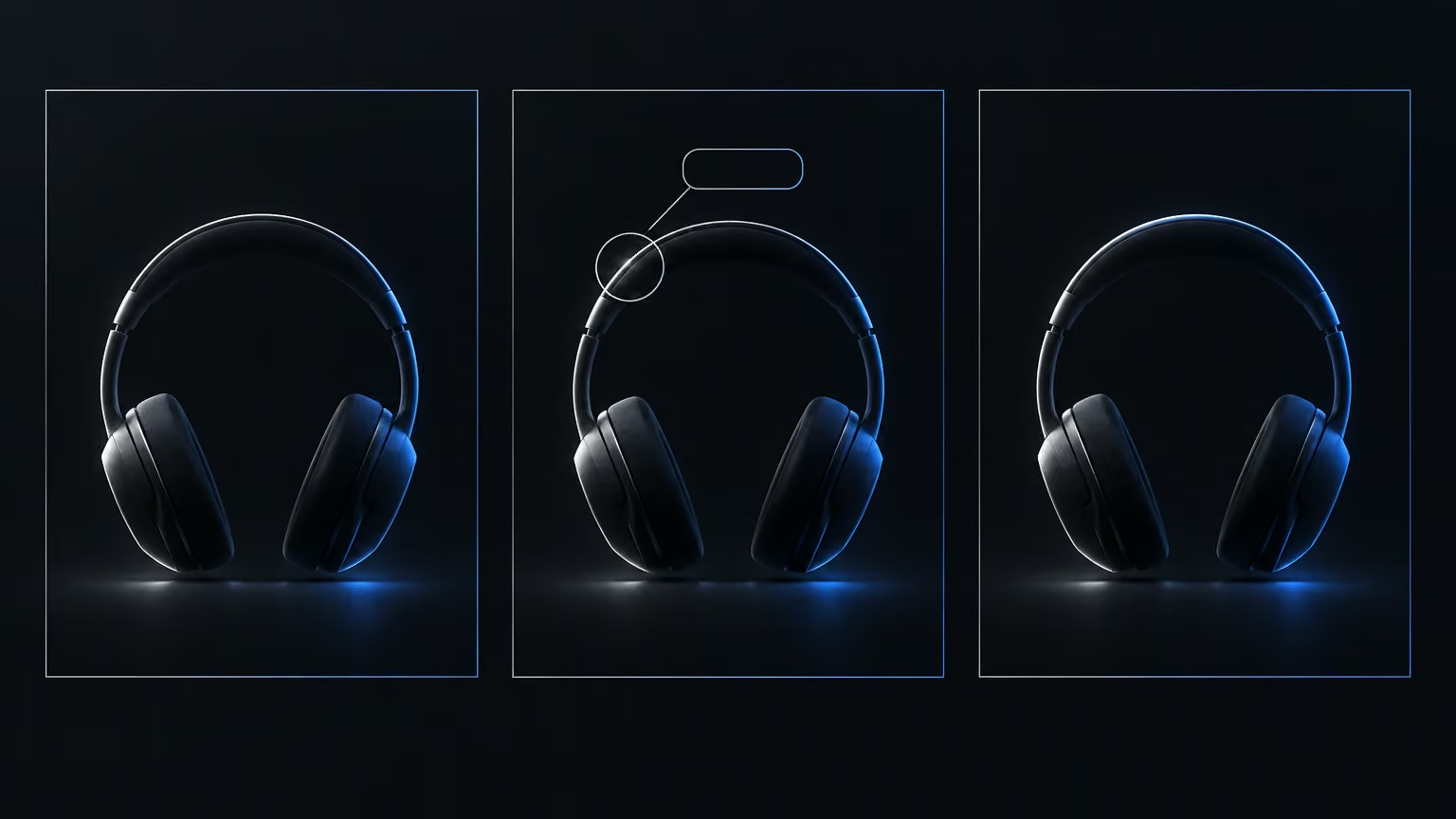
The nice part is that you can use the words you think in when you picture an ad: "energetic", "fast cuts", "close-ups", "slow motion". Claude takes on translating them into a detailed description for the model. When one variant works, you ask for a series of variations on it for testing: different headlines, different shots, the same style. You then put ad budget behind whichever variation tested best.
The next step: Claude Code, the command-line tool and knowledge in the project
Chat is enough for a quick trial. When you want more control, repeatable recipes and automation, you move to Claude Code. In the desktop app it looks a lot like chat, except you work inside a project, which is just an ordinary folder on your disk that the assistant can access.
Create an empty folder, say "Higgsfield Studio", and open it in Claude Code. This time you use the CLI instead of the connector. The CLI is a command-line tool the assistant runs by itself. Functionally the two do roughly the same job. The difference is cost: the connector loads descriptions of all its tools into the conversation, which uses up tokens, while the CLI is lighter and faster for an agent.
The "MCP and CLI" page in Higgsfield lists three commands: install the CLI, sign in, and install the ready-made agent skills Higgsfield provides. You don't have to type them yourself. Paste all three into Claude Code with a little context: "this project is a creative studio running on Higgsfield; install the CLI, walk me through signing in, and install the agent skills". The assistant runs the install, opens a sign-in window in your browser, you approve the connection, and it finishes the setup.
Before you start generating, add knowledge to the project. None of this is magic. It automates and helps you come up with ideas, but it won't turn someone who doesn't know advertising into a seasoned copywriter. What you can do is bring the missing knowledge into the project. Ask the assistant for thorough research into best practice for organic advertising on the channels you care about: what grabs attention, what sells, and how the platforms differ. Save the result as a Markdown file in the project. From then on the agent consults it whenever it drafts headlines or writes descriptions for Higgsfield. You can keep feeding that file with proven outside material too: good threads, tutorials, research you've gathered.
The spreadsheet as production memory
Without a log, every session starts from zero. So the first job in the project is a generation log. Ask the assistant to go through everything you've already generated in Higgsfield and build a Google Sheet from it. It creates the sheet with a separate command-line tool for Google Workspace, which gives it access to Sheets, Docs, Drive and mail.
A good log records at least the following for every generation: product, style, type (image or video), model, the full description sent to the model, job ID, result URL and status. The description matters most, because without it you can't reproduce what worked.
The plan builds on that. Point the assistant at the log and at the advertising knowledge file, and it proposes a series of variants that each change one element: the product promise, the headline, the avatar, the style, or the angle. The angle is what the ad plays on, whether that's curiosity, a contrarian take, a surprise, a question or a striking number. Ask it to set priorities as well. The assistant won't always work out on its own that the plan belongs in the sheet, so say so.
Next, pick the first few rows and instruct it: "write descriptions for these rows, generate them in Higgsfield, and mark them in the sheet as done or in review". The status column is essential, because it tells later runs what to leave alone.
The first batch shows you what happens without rules. If the description calls the product "a blue bottle with a label", the model generates a random blue bottle. Generating without guidelines is like pulling a slot-machine lever: sometimes you win, sometimes you don't. The fix is simple. Give the assistant the real product photo and a rule: in ads for this product it must look exactly like this, same colours, same text. The assistant stores the photo in the project's assets folder, so in later conversations you only need to point to it. You'll also notice that it picks different models for different variants, which gives you a wider field for comparison.
Skills and routines: repeatability instead of luck
A skill is a recipe for the agent. Make pancakes from a recipe and they come out the same every time. Guess the quantities and the heat and every batch is different. A skill is a text file in the project folder (.claude/skills) that tells the assistant: when you ask for this type of asset, it gets made exactly this way.
The easiest way to build a skill is backwards, from the result. Generate a few versions, pick the one you like best, copy its description into Claude Code and say what works about it: "this is my favourite result, fast cuts, good close-ups, nice detail; turn it into a skill so every video in this style looks similar". The first version won't be perfect, but every run improves it. After the next batch you say: "I don't like this, keep that, update the skill". Add to the skill a list of the words and phrases that got generations rejected, so the blocks don't come back.
Two practical notes. A freshly created skill may not show up straight away, and restarting the app usually fixes that. Claude Code also tells you which skill it ran, so watch for it. If it reached for a general generation skill instead of yours, stop it and name the right one. A well-written skill also asks questions before it generates, for example whether the ad should feature a person or just the product.
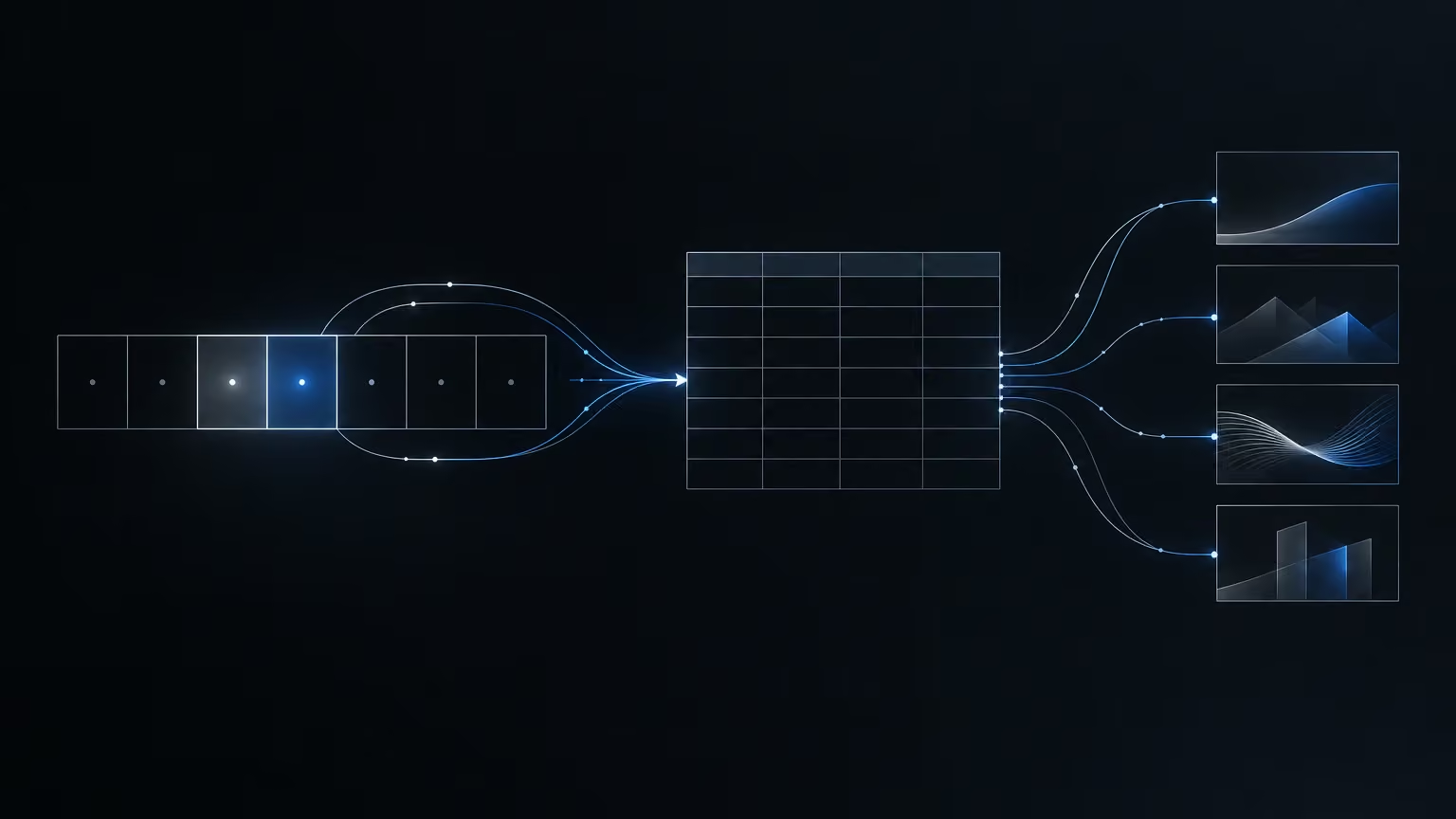
The last piece is routines: instructions Claude runs on a schedule. The whole process above splits neatly into two:
- Planning, once a week. The assistant reads the sheet, pulls in data from the channels you publish on, looks at what's working and adds a new batch of ideas.
- Production, a day later. The assistant takes the rows with an empty status, writes descriptions for them, generates the assets and marks them in the sheet with the result URL and job ID.
The empty status is what stops work being duplicated. Raise the frequency and the batch size only once results are stable. The final step, wiring finished assets into a publishing scheduler or an ads manager, only makes sense once you trust the skills enough not to review every result. Until then, a person approves what gets published.
How to judge a result before it goes out
Generating is cheap compared with publishing a bad asset. So every result goes through a few questions:
- Does the product look like your product? Colours, shape, label. This is the first criterion and the most common defect.
- Is the text legible and correct? Video models still mangle lettering, especially when they animate an existing image. If the photo is clean and the video garbles the label, the problem is the video model, not your photo. A sensible workaround is a simplified label for video, with just the logo and the name.
- Are there odd scenes? A gesture that doesn't fit, unnatural movement, a doubled element.
- Does it fit the format and channel? Aspect ratio, pace, room for the headline.
- Is the promise in the copy true? The assistant readily invents catchy lines with numbers and guarantees. Check every one against what you actually offer.
- Can the result be reproduced? Are the full description and the model in the sheet? If not, a good result is a one-off stroke of luck.
Keep in mind, too, that Marketing Studio doesn't let you pick the model directly; the module chooses its own mix. If you need a specific model, generate outside that module.
The principle I take from all this: quality doesn't come from one better description typed once, but from a process that remembers what worked. The sheet remembers what you did. The reference image keeps the product looking like itself. The skill records your taste, and the routine takes the repetitive clicking off your hands. Start with one product, one reference photo and a sheet with a status column. Add automation once several batches in a row pass the questions above without corrections.