

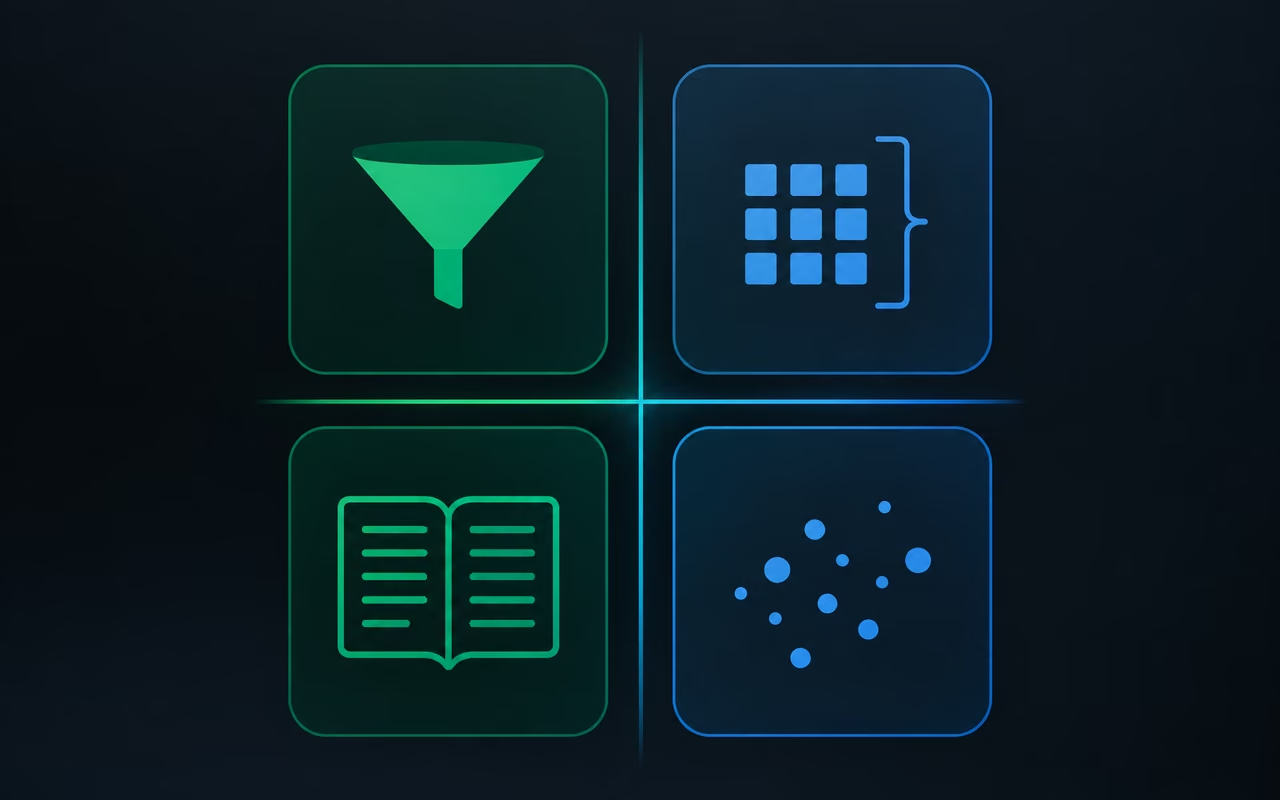
"My agent gives wrong answers. How do I fix it?" There's no one-line reply to that, because there are many levers to pull. Most of the time, though, the model isn't the problem. The problem is how the agent fetches what it knows: it gets data in a shape that doesn't fit the questions you ask it. I'll walk you through four ways an agent can retrieve knowledge, each with a simple example, and give you a rule of thumb for picking the right one.
First, the term. RAG (retrieval-augmented generation) just means the agent looks at outside data before it answers: a sales table, a contact list, a process document. But "looks at" can mean four very different things. When people discover their agent needs outside knowledge, most of them go straight for a vector database. In my view that reflex causes more problems than it solves.
Why a vector database isn't the default answer
A vector database works like this. A large document is cut into small pieces, called chunks. Each chunk is turned into a list of numbers that captures its meaning and stored in the database. When the agent gets a question, it looks for chunks with a similar meaning and answers from them. It's fast and cheap, because the agent reads a few pieces instead of the whole thing.
The catch is that a chunk doesn't know where it came from. A twenty-page PDF breaks into dozens of pieces. When the agent pulls one back, it can't tell which document it belongs to or where in that document it sat. Adding metadata to chunks helps, but that's a separate topic. You see the effect with simple requests. Ask for a summary of the March 5 meeting, and the agent summarizes the chunks it happened to find, not the meeting.
Tables are where it really breaks. Picture a table of weekly sales and the question "Which week had the highest sales?" The agent searches for chunks matching "highest sales", gets one slice of the table, and picks the best week from that slice. Meanwhile, three other weeks elsewhere in the table did better. The agent never saw them, so its answer sounds confident and is wrong. Ask for the average order value and you get the same failure: the agent averages the orders that landed in one chunk, not all of them.

So before you build anything, answer two questions. What will people ask this agent? And what does it need to look at to answer correctly? The method follows from those answers.
Filters: when a person would filter a spreadsheet
Take a simple sales table with product name, sale date, price and quantity. You ask the agent: "How many Bluetooth speakers did we sell on September 16?" A well-built agent doesn't read the whole table. It first keeps only the rows where the product is a Bluetooth speaker, then only those from September 16. Two rows are left; it adds up the quantities and answers. That's exactly what a person with a spreadsheet would do.
A filter is an instruction that says "give me only the rows that match these conditions." It works when the data sits in rows and columns, when you know in advance which fields you'll filter on, and when the answer lives in a small subset of records. It's fast, cheap and accurate. Sure, the agent could read the entire table and still get it right. But then it processes far more text, so you pay more and the odds of it making something up go up. The aim is to let only what the agent needs reach the agent.
There's a trap here that's easy to miss. A filter doesn't search by meaning; it checks whether a value is identical. If the table says "Bluetooth Speaker" and the agent types "bluetooth speaker" into the filter, you get zero results. That's why the agent's instructions have to list the valid product names, spelled exactly the way the database spells them, and state the date format. None of this happens on its own. Add a product category or change the date format, and you have to update the instructions.
Rule of thumb: if a person would use filters in a spreadsheet, use filters.
SQL queries: when a person would build a pivot table
Filters stop being enough when the question means calculating across many rows. "Which three products earned the most revenue?" That's a question about totals, grouping and ranking. SQL, the query language for databases, handles it better. The agent writes the query and the database does the math.
You can read such a query almost like a sentence: select products, add up the amounts as revenue, group by product, sort from highest to lowest, keep the top three. A database (Postgres, for example, a popular one you can run on a hosted service such as Supabase) does this quickly and without mistakes, because that's what it was built for. The agent gets a finished result instead of hundreds of rows. If it then wants something extra, like each product's share of the total, it can still reach for a calculator. The database still did the heavy lifting.
Pick SQL when you need totals, averages, rankings or trends, when the question spans many rows, or when you're comparing and combining data. It's more reliable than having the model read every row, and cheaper and more accurate than vector search on tabular data.
The filter trap comes back here in a different form. The agent has to know the table's structure: column names, what's in them, example values. You usually write that into its instructions. If the data changes often, you can give the agent a separate tool to check the database's current structure (its schema) before it writes a query.
Rule of thumb: if a person would use a pivot table or formulas, use SQL.
Full context: when a person would read the whole document
Now a different kind of data: two long text documents, say written records of two talks, each a few pages long. You ask the agent for a chronological breakdown of one of them. With vector search, the agent would get a handful of scattered chunks and have to guess their order. It's simpler to hand it the whole document.
That's the full-context method: the agent reads everything every time, not selected pieces. The upside is obvious. It sees the full picture, so it answers more accurately and keeps the order intact. The downsides are just as plain. It processes more text, so it takes longer and costs more, and with very large collections you can hit the limit of how much the model can hold at once (its context window). With a few documents of a few pages each, that's a small concern today: context windows are large and still growing, and models keep getting better at finding a specific detail in long text.
You can supply full context in three ways:
- As a tool the agent chooses. If the question is about one document, the agent reads only that one. If it's about both, it reads both. You pay for what it actually needed.
- Pasted into the system prompt. The agent doesn't have to call a tool, so it answers faster. But it reads everything on every question, even when one document would do. Compared with the tool version, the same question uses noticeably more text.
- Fed in dynamically as variables. On each question, the workflow pulls the current documents and inserts them into the instructions. It costs the same as pasting, but when you change a source document you don't have to edit the agent.
Pick full context when you need summaries, timelines or step-by-step explanations, when the order of information matters, or when the collection is small enough to simply fit in the model.
Rule of thumb: if a person would read the whole document before answering, have the agent read it too. Someone onboarding a new hire needs the entire process. Someone answering a customer ticket needs one entry from a list of a hundred FAQs.
Vector search: when it is the right call
That FAQ list is a good fit for a vector database. Put the same two documents into a vector database, ask the same chronology question, and the agent answers faster and uses noticeably less text than with full context. The answer is less accurate, though. The agent receives a few chunks and arranges them in whatever order seems sensible to it. Often that comes out decent, but it's the agent's guess, not the order in the document. You can raise the number of chunks it pulls back, say from four to twenty, and that helps without solving the problem.
The cost advantage grows with your data. With two documents the difference is moderate. With thousands of documents, reading everything every time stops making sense, while chunk search stays cheap. So a vector database earns its place on large text collections where the answer sits in one spot: an FAQ knowledge base, documentation, terms and policies. It doesn't hold up on questions about a document as a whole, or on calculations over tables.
| Question the agent gets | Type of data | Method | What the agent must know |
|---|---|---|---|
| "How many X did we sell on day Y?" | table, a few records | filters | valid field values, date format |
| "Which products earned the most?", "What's the average?" | table, many rows | SQL | column names, example values, schema |
| "Summarize the whole thing", "Lay out the timeline" | a few text documents | full context | which documents are available |
| "What does the policy say about returns?" | large text collection | vector search | how many chunks to retrieve |
Begin with the end in mind
All four methods come from one principle: start from the end. Before you choose a database, a tool or a model, write down the questions the agent will get, and next to each one note what a person would have to look at to answer correctly. One row? A total across the whole table? A whole document from start to finish? One paragraph out of a thousand pages? The answer points to the method, and often shows that a single agent needs two methods at once: filters for the orders table and a vector database for the documentation.
I'm convinced most underperforming agents don't need a better model. They need someone to match the way they search to the kind of question they get. Take your agent, write down ten real questions it receives, and for each one note how a person with access to the same data would answer it. Wherever those two paths split, that's where your fixes start.