
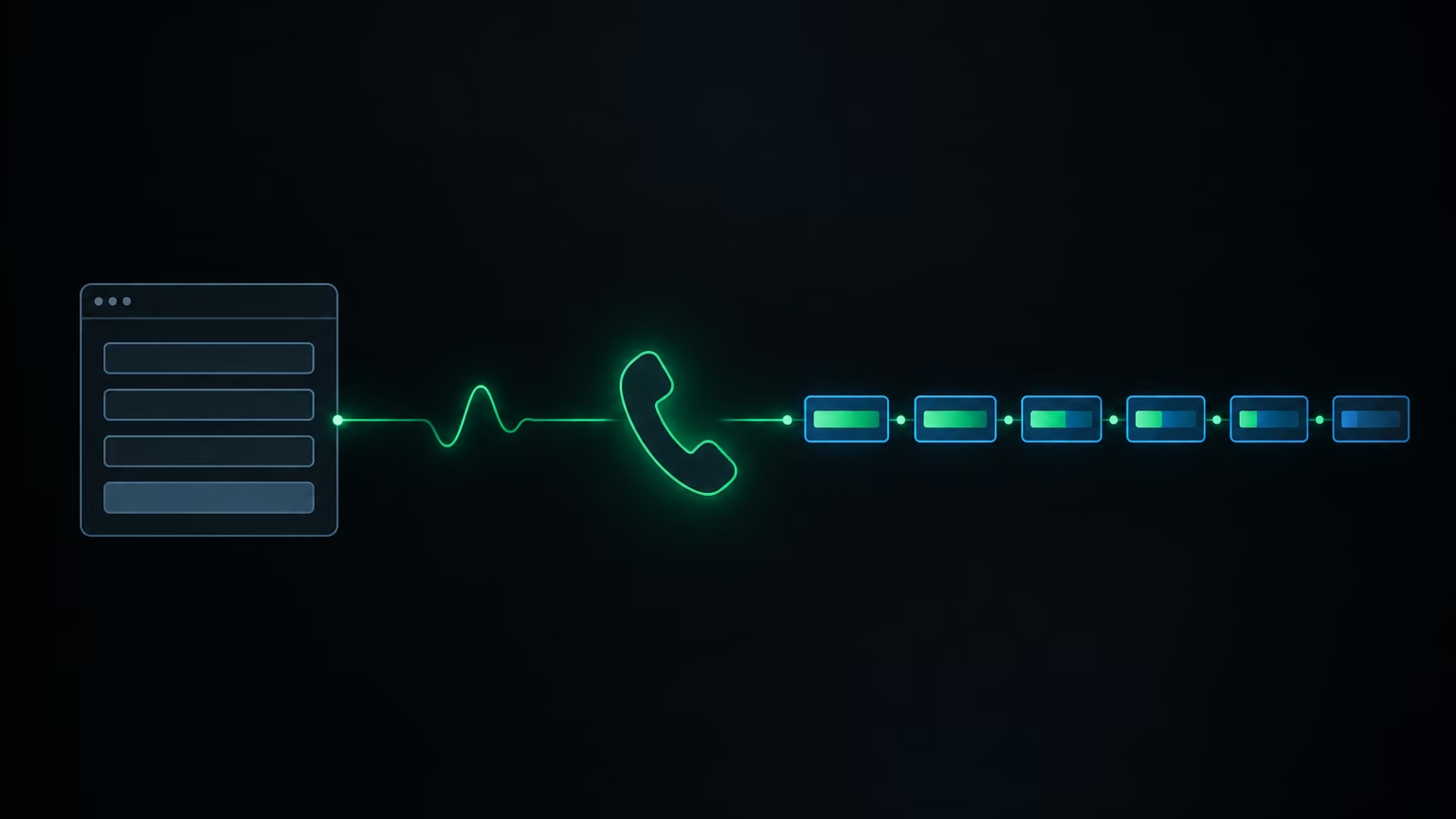
Someone fills in the form on your website late in the evening. Name, phone, company, one sentence about what they need. In the morning you have a record that tells you very little: you don't know whether it's urgent, whether they have a budget set aside, whether they've tried something similar before, or whether they want to talk about an implementation at all. I'll show you a system that calls that person moments after they submit the form, asks a few qualifying questions, and writes the answers into a sheet before anyone on your team picks up the phone. I'll go through the whole flow: the trigger, cleaning the data, configuring the agent, waiting for the call result, logging, and testing.
One distinction first. A voice agent embedded on a website answers visitors who start the conversation themselves. Here the direction is reversed: the agent places an outbound call to someone who has just left their details. The same mechanism also works for surveys, collecting reviews after a job, and reconnecting with leads who went quiet. I'm focusing on qualification here.
Sketch the flow before you connect anything
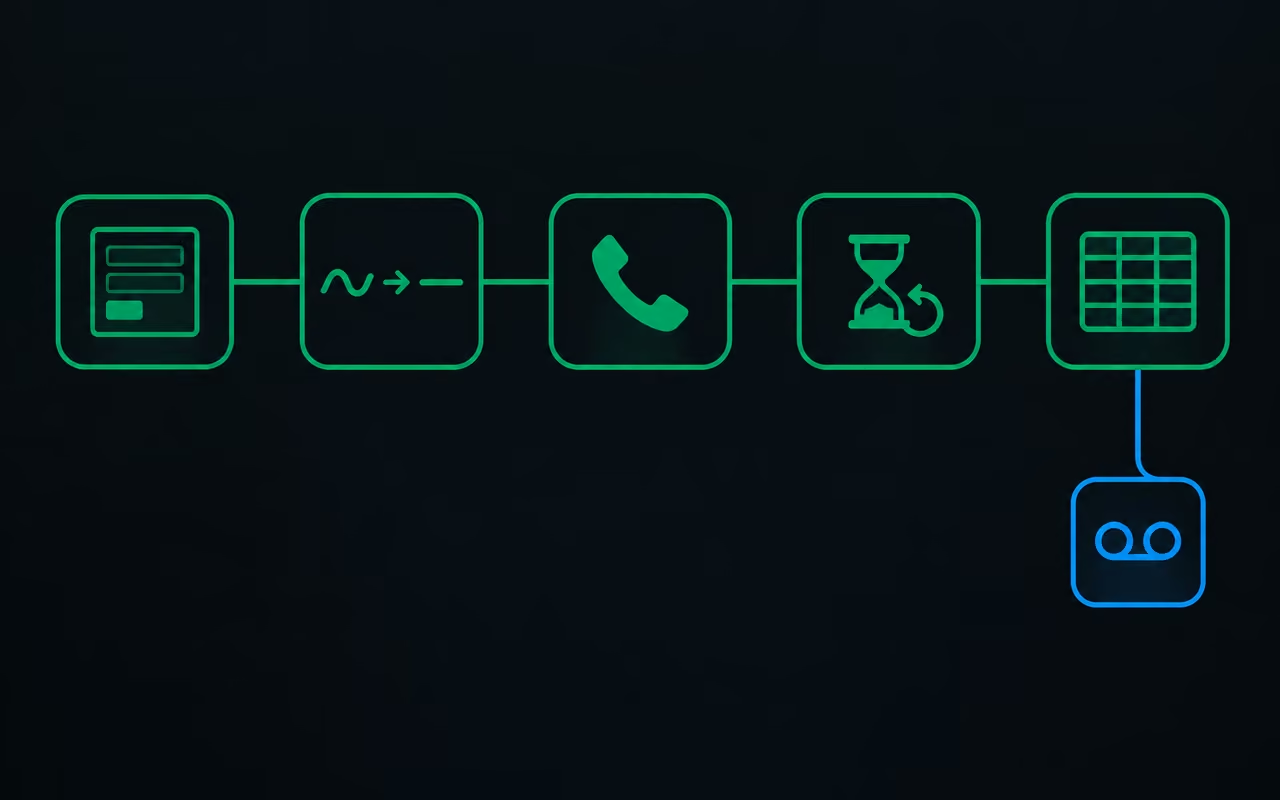
The most common mistake I see with projects like this is opening the automation tool and wiring blocks together without a plan. Start with a sheet of paper or a simple diagram. The whole system has five stages:
- A form that collects name, phone, email, company name, role, a description of the need, and company size.
- Data cleanup, above all the phone number, because it decides whether the call can start at all.
- Placing the call: the automation asks the voice platform to call the lead and passes along their name, company, and request.
- Waiting for the result: the platform only confirms that the call has started, so you have to keep asking whether it has finished.
- Logging: if the lead picked up, their answers go into the sheet. If it went to voicemail, you record that a callback is needed.
In the setup described here, n8n runs the flow (a tool where you assemble automations out of blocks) and Vapi runs the conversation (a platform for voice agents). The pattern is the same with any set of tools: something has to receive the form, something has to make the call, and something has to record the result.
The form and the phone number: the data everything rests on
In practice your website form sends its data to a webhook, an address the site posts the submission to, and that address starts the automation. For testing, the automation tool's built-in form is enough. What matters is that the full set of fields arrives at the start of the flow.
Before you call anyone, clean up the phone number. People type it their own way: with brackets, with dashes, with or without a country code. The voice platform expects one fixed format, and a number in any other shape stops the call with an error. If you build the form yourself, enforce the format in the field. If you don't control the form, add a separate step that cleans the number.
That step is a few lines of code, and you don't need to know how to program to get it. Copy the sample data coming into that step, paste it into an AI assistant, and describe exactly what you want: the number should come out as digits only, at a set length, with no brackets, dashes, or other characters. Also spell out what should happen when the number has too few or too many digits, or an unexpected country code: in that case the step returns the label "incorrect format". A precise description with clear limits gets you working code on the first try.
After that step you add a branch. If the number carries the "incorrect format" label, the record goes straight to the sheet with an invalid-number status and nobody gets called. If the number is fine, the flow continues. One caveat: the example flow assumes leads from a single country and puts a fixed country code in front of the number. If you collect submissions from several countries, add a country code field to the form and don't hard-code it.
An agent that says what it is right away
The agent itself is simpler than you'd expect. It has no tools, no knowledge base, no files. It's a conversational agent whose only job is to draw out a few pieces of information. You configure four things.
The first message. Set the agent to wait for the person to speak first. That's how a normal phone call goes: someone answers with "hello", and only then does the caller introduce themselves.
The system prompt, the standing description of who the agent is and how it should run the call. Split it into parts: identity (the agent's name, the company it's calling for, what that company does), speaking style, response guidelines, and lead details. You write the lead details as variables in double curly braces, such as {{lead_name}}, {{lead_company_name}} and {{lead_request}}. On every call the platform swaps in the data from the form, so the agent knows who it's talking to and what they asked about.
Next, describe how the call should go. The opening: the agent introduces itself by name as an AI agent calling on behalf of the company and checks it's speaking to the right person. If it's a wrong number, it apologises and ends the call. If it's a bad time, it apologises and asks when to call back. If the person has time, the agent mentions the form and moves on to the questions. Then comes the list of topics it has to cover:
- whether the person actually wants to discuss an implementation,
- what made them fill in the form now,
- how urgent this is and when they want to get started,
- whether they've worked with automation, AI, or similar vendors before, and how that went,
- whether they have a budget in mind,
- whether they understand how the next steps work, for example that a deeper scoping phase is paid.
That last question filters out people who are only browsing. Your sales model may differ, in which case you swap it for your own. Finish the prompt with error handling, behaviour rules, and a closing: the agent thanks the person and says someone from the team will be in touch.
The ability to end the call. This function can be off by default, and you have to switch it on, or the agent won't hang up by itself.
Structured outputs. This is the most important part of the setup. You define the fields the agent should return after the call, each with a name, a type (text or true/false), and a description. The description says what to extract, for example: "whether the person has had previous experience with automation or AI, and if so, how that experience went". The example setup has seven such fields: interest, motivation, urgency, past experience, budget, readiness for a paid phase, and status. You have to link each field to a specific agent, because the same definitions can be attached to many assistants.
On disclosure: the agent says plainly that it's an AI, and I consider that standard practice. The second thing not to skip: only call people who expect a phone call and have agreed to one. State clearly next to the form that an AI agent will call them after they submit it. Also add a handover to a human when the person asks for one or is clearly getting upset.
Placing the call and waiting for the result
You place the call with a single request to the voice platform's API, a message in a fixed format sent from your automation. The platform's documentation gives you the address and the list of fields. The request contains:
- your private API key, saved once in the automation tool,
- the ID of the agent that should make the call,
- the ID of the phone number the agent calls from,
- the lead's number, already cleaned,
- the variable values: name, company name, and request from the form.
Watch the limits on the number you call from. Numbers bought directly on the voice platform have a daily cap on outbound calls. Go past it during testing and your calls start failing with an error. The fix is to connect your own number from an internet telephony provider such as Twilio.
The response to your request only says that the call has started. It contains no status, no transcript, and no results. So the next part is a polling loop. First you wait about a minute, because an unanswered call usually takes about that long, and a real conversation is unlikely to be shorter. Then a second request fetches the call details by its ID, and you check the status field. If the status is "ended", you move on. If not, you wait a few seconds and ask again until it is.
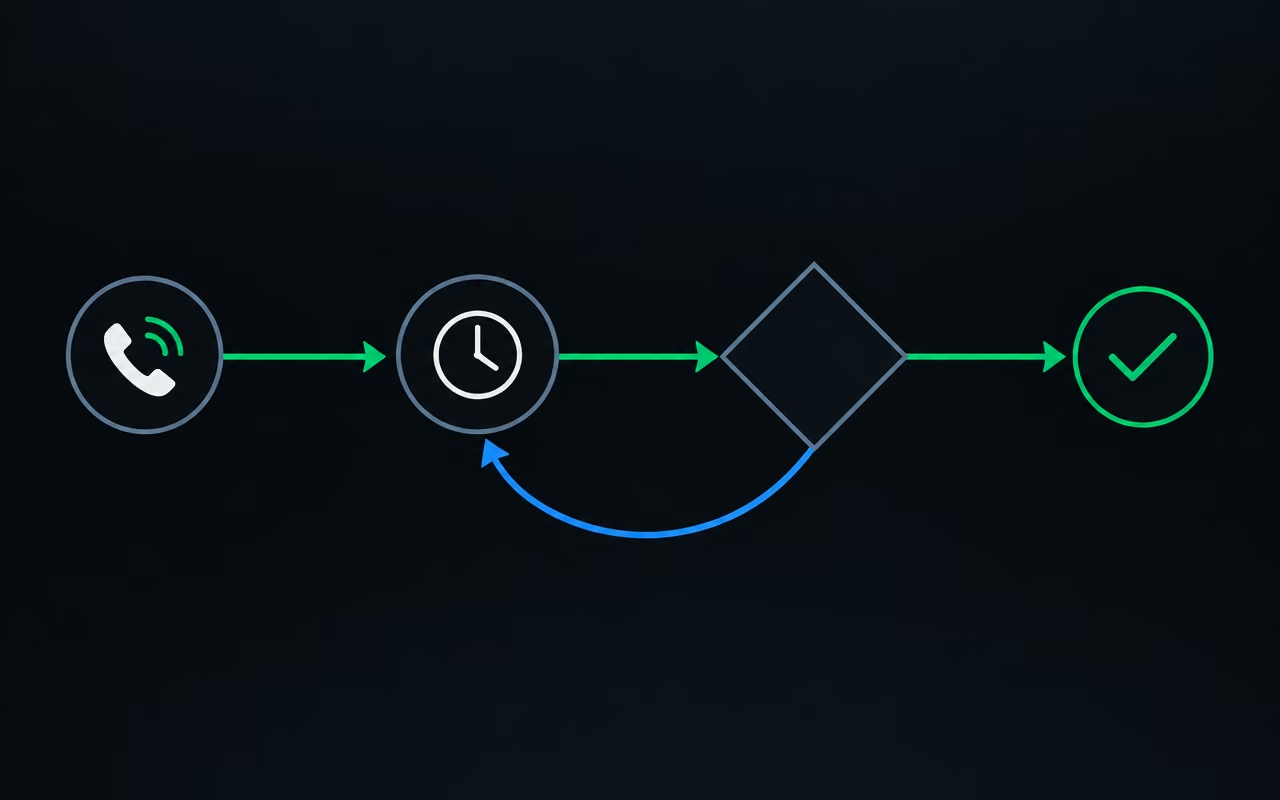
One practical trap: the request for call details can return the same item many times over. Limit the result to the first item before you check the status, because that one is the source of truth.
Logging to the sheet, and the three ways a call can end
Once the call is over, check why it ended. If it went to voicemail, you log the record with a "call back" status. If the conversation happened, you pull out the structured outputs. The platform buries them fairly deep in the response, under the call's artifacts, so the first time you'll have to dig for them. Then you map each field to a column in the sheet.
The sheet ends up with three kinds of rows. Invalid number: nobody was called, and the number needs fixing. Voicemail: to be contacted again. Completed call: next to the form data you have interest, motivation in the lead's own words, timeline, past experience, budget, and a readiness assessment. The motivation field can be very specific, for example: "business slowed over the holidays once he stopped doing outreach himself, and he wants a steady flow of enquiries". With a note like that, the person on your team calls already informed instead of opening with "how can I help?".
Testing and tuning after launch
Test each branch separately before you send real website traffic through it. To avoid filling in the form every time, pin sample data on the input step and change only what you're testing. Delete one digit from the number and check that the record lands in the sheet as an invalid number, with no call attempted. Answer a call and go through the whole conversation. Let another one go to voicemail and check that the row gets the "call back" status.
Then the real work begins. With voice agents, the system prompt decides how good the whole thing is, and the first version is rarely good. Listen to the recordings, read the transcripts, check that the fields in the sheet match what was said on the phone, and adjust the prompt. Expect to keep doing this for as long as the system runs.
In my view, the value of this setup comes down to one shift: the first human contact stops being about collecting basic information and becomes a conversation about specifics. The agent doesn't sell and doesn't make decisions. It asks everyone the same questions, straight away, and hands a person an organised note. Start with one form and three or four questions, and only extend the list once you can see which answers you actually use.