

The most impressive automation I can build for you is also the one I would tell you to build last. A browser agent signs into a site, looks at the page, and clicks its way through a task nobody scripted. It will also, now and then, click the wrong thing with total confidence. Both behaviors come out of the same mechanism, which is why the order you try things in matters more than which tool you land on.
I'll start with what a browser agent is really doing, put it on a ladder against the two cheaper options, then cover what decides whether it survives real work: sessions and passwords, and the moment you stop watching it.
What a browser agent actually does
A macro replays coordinates. It clicks the pixel you recorded, then the next one, in the same order every time, and it has no idea what is on the screen.
A browser agent works the other way around. It takes a picture of the screen, works out what it is looking at, and decides where to click based on what appeared. Nothing is fixed in advance. If a button moved, it finds the button.
That difference is the whole trade. A macro cannot cope with a page that changed, and an agent can. A macro also cannot be wrong about what it is looking at, and an agent can. You are swapping certainty for judgement, and judgement comes with an error rate attached.
You can watch it happen. In OpenAI's Codex desktop app the browser opens as a panel beside the chat, and you can use it yourself like any other browser. When the agent takes over, a second cursor appears and starts moving on its own, which is the only signal you get that control has changed hands.
There are two ways to run it. Headed means the browser is visible and you watch the cursor work. Headless means it runs in the background while you carry on with something else, and you only see the result. Headed is how you learn whether a flow is safe. Headless is how you use it once you know.
Climb the ladder in order
Every repetitive task you want to automate goes through the same three questions, in this order.
Does the tool have an API? If it does, use it. An API is the fastest route, usually the cheapest, and by a wide margin the most consistent, because you call a documented function instead of hoping a page looks the way it did yesterday. Most software you touch has one, and in a tool like Codex many of them arrive as ready-made plugins. The vast majority of the automation you will ever want is an API call, and nothing about browser agents changes that.
If there is no API, are your clicks identical every time? Plenty of flows are: open the page, click the same three places, download the file. When the sequence never varies, your mouse does not need to look at anything or think about anything. It only has to hit the same spots in the same order. That is a deterministic script. It costs almost nothing to run, it cannot surprise you, and if you have never written one, it is the sort of small program an AI coding tool will produce for you in minutes.
Only if the flow needs looking and deciding do you reach for a browser agent. The layout shifts between runs. A dialog appears sometimes and not others. The next step depends on what came back from the last one. There is nothing to script, because you cannot know in advance what the screen will say. That case is real, and it is what a browser agent was built for. It is also the most expensive and least predictable option you have, which is why it sits at the bottom of the list rather than the top.
The mistake I see most often is people starting at the bottom, because step three is the one that looks like the future. It costs more, it fails in ways you cannot reproduce, and it is worth asking whether a fifteen-line script would have done the job.
Sign in once, and know exactly where that stops
Sessions are what make any of this usable. You sign into a site once inside the agent's browser and the session is remembered, so the next run starts already inside the account. For the everyday web that holds well: X, Instagram, a school portal, most tools that keep you logged in for weeks.
Then there is the other half of the truth, which people tend to discover the hard way. Secure platforms log you out on purpose. A bank does not care that your automation was convenient; it ends the session and puts the login screen back. And when a login asks for a two-factor code from your phone, the run stops dead and waits for a human, because that is what a second factor is for. Someone always points out that if the code lands on the same machine, a computer-use agent could technically go and read it. Technically, yes, and I would leave that one alone. A second factor works because a machine cannot complete it by itself.
Which brings up credentials. Do not type passwords into the chat. A conversation is a document: stored, synced, scrolled back through, sometimes pasted into a ticket. A password that has been in a chat log is a password you no longer control.
Codex handles this with a password manager in its settings. You import a CSV with one row per login: name, URL, username, password, and a notes field you can leave empty. The agent fills the login form from that store and the password never touches the conversation. Treat it as the rule, not the tidy option.
The kind of task that earns all that setup: a banking platform with no public API and a monthly job. Open the dashboard, go to accounts, find the statements, download two of them as CSVs, drop them into a specific folder. A plain-language description of that sequence is enough to build it. You do not record the flow and you do not send screenshots: you describe where to go and what to take, and the agent works out the clicking.
Tell it to break your own interface
If you want one use case that pays for itself immediately, it is testing your own work.
You point the agent at your own interface and tell it to try to break it. It fills the form with nonsense to see whether the validation fires, submits anyway, goes back and edits what it already entered, then switches to the mobile view and starts again. At the end it reports what passed and what failed.
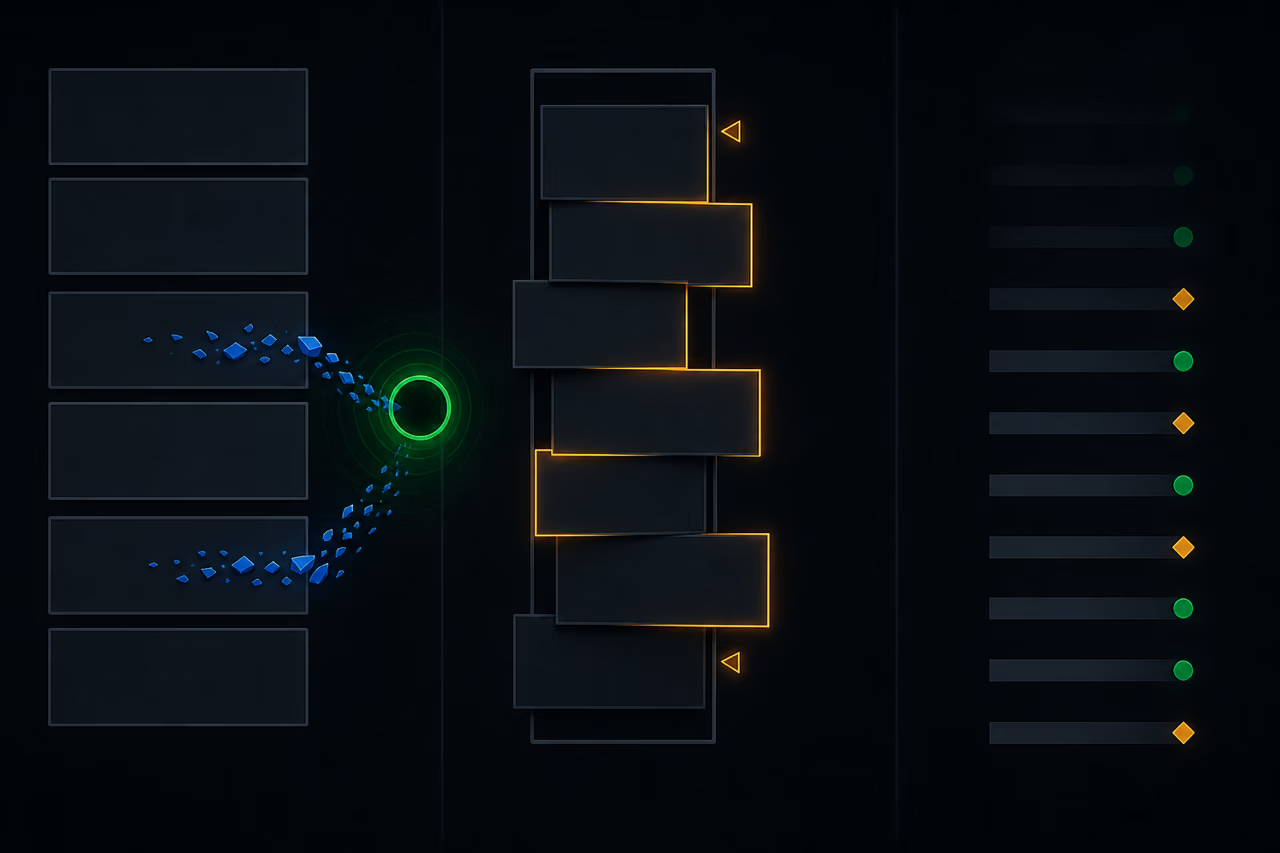
The failures worth caring about are the quiet ones. In a form that asked for a valid email address and a ten-digit phone number, invalid contact data still got through. A country code changed to another country reverted to the original, silently, when the entry was reopened for editing. A layout that held up on a desktop screen broke in mobile view. None of those is a crash. All of them turn up three weeks later as a support ticket, or as a table of contact records nobody can call.
Two things make agents good at this particular job. One run covers far more cases than you would ever sit and click through by hand, and you can set the bar yourself: tell it not to stop until it has worked through a long list of distinct scenarios before reporting back. The other is that an agent told to be adversarial behaves a little like a real user, which is the part testing usually misses. However carefully you predict edge cases, people in production do things you did not imagine, in an order you did not plan for. Simulating that used to be expensive.
A flow becomes a skill, and a skill runs on a clock
Once a flow works, save it. It becomes a skill you call by name instead of describing from scratch, and a skill can be put on a schedule: last day of the month, fetch the statements. What changes is not the first automation but the second, which costs almost nothing because you assemble it from parts you already proved.
An example of that assembly. Take a video you have just published, turn it into a written article, and put it into the drafts of a social platform, formatted, with images pulled from the recording itself. That platform has an API. The browser agent won anyway, for reasons worth borrowing: formatting through the API was awkward, attaching media was awkward, and the API bills per use while the agent works inside a subscription you already pay for. Cheaper and more reliable do not always point at the same option, so check rather than assume.
Computer use is the same idea with a longer reach. Same mechanism, vision plus reasoning, deciding what to click from a picture of the screen. The difference is what it can touch: browser use stays inside a browser, while computer use extends to the machine itself, including system settings and desktop applications. In Codex it is a plugin you install in a few seconds.
Two guardrails are worth knowing, because they tell you how the thing is meant to be used. It states up front that it will stop if it hits an administrator password prompt or a security-sensitive permission it cannot safely interpret, and it holds to that: asked to switch on a Bluetooth permission for a desktop application, it declined, on the grounds that a privacy permission is not its call to make. And while it has control of the machine your screen is visibly marked with a colored border, so you can tell at a glance who is driving.
Watch it work before you look away
The protocol before you rely on one of these is not complicated, and it is not optional.
Run the flow headed and watch it. Then watch it again, on real data, more times than feels necessary, before you ever let it run while you are not in the room. You are not checking that it can do the task, because it already did it once. You are checking what it does on the run where the page loads slowly, a banner appears, an item is missing, or a button has moved. That run decides whether any of this was a good idea.
Write the instructions strictly while you are at it. Name the exact page, the exact button, the exact file, the exact destination. The agent decides from a picture of a screen, so every sentence you leave loose is a decision you have handed to a guess. Strict instructions are what turn a demo into something you can walk away from.
Be honest about the payoff too, because it is smaller and better than it looks. A single run of one of these skills saves minutes, not hours. Counted that way it is barely worth building. The gain sits elsewhere: you hand the task off and stay where you were, instead of stopping your own work, opening a browser and finding your way back afterwards. That interruption is the real cost, and it is the one you stop paying. Then skills start chaining, and a routine you no longer think about runs while you do something that needs you.
So the principle worth keeping: pay for judgement only where judgement is required. Where a contract exists, call it. Where the clicks never change, record them. Judgement is the expensive option and the fallible one, and it earns its place only when the screen can surprise you.
Take the task you repeat most this month and walk it down the three questions before you build anything. Most stop at the first or the second. The few that reach the third are the ones actually worth an agent, and by the time you get there you will know exactly why.