

You have a project that runs nicely in Claude Code. You open the same folder in Codex and suddenly the agent doesn't know where anything is — it doesn't see your instructions, doesn't know your shortcuts, behaves like someone walking into the office for the first time. It isn't any dumber. It's just looking for files under different names.
I'll show you how to set up a project so that both tools — and every one that comes after — work from the same knowledge. First I'll name the problem, then break it down into three layers, and finally hand you a ready-made folder layout and one command that does most of the conversion for you.
The problem in three sentences
Every coding agent needs three things: instructions (who it is, what's allowed, how it works in this project), ready-made workflows (repeatable procedures), and technical settings (permissions, variables, servers). That much is common to all of them.
There's just one difference: each tool looks for these things under a different name and in a different place.
- Claude Code reads the
CLAUDE.mdfile and the.claude/folder. - Codex reads the
AGENTS.mdfile, the.codex/folder, and.agents/skills/.
If you write all the project knowledge only into Claude's files, Codex won't see it — and vice versa. Hence the office where the new hire keeps getting lost.
The solution isn't to pick one tool. It's to keep the real project knowledge in neutral folders and give each tool only a thin adapter file that says "your instructions are over there."
How each tool lays out a project
The same idea, different names. It's worth seeing them side by side once, because after that the rest is just keeping it tidy.
Claude Code
Claude keeps everything in a single folder.
- Instructions:
CLAUDE.mdin the project root — loads automatically. - Configuration: the
.claude/folder — it holds skills, agents, rules, and settings. - Skills:
.claude/skills/<name>/SKILL.md— your own named workflows that the agent can invoke. - Sub-agents:
.claude/agents/<name>.md— a Markdown file with a short header at the top. - Settings:
.claude/settings.json— permissions, environment variables, automatic actions. - Global configuration:
~/.claude/— the same structure, but it applies to every project on your computer.
Codex
Codex splits this into two parts: configuration and agents live in .codex/, while skills sit separately in .agents/.
- Instructions:
AGENTS.mdin the root — also loads automatically. - Quick override:
AGENTS.override.md— a way to change instructions temporarily without touchingAGENTS.md. - Configuration: the
.codex/folder — configuration and agent definitions. - Skills:
.agents/skills/<name>/SKILL.md— Codex looks for them from the current folder upward, all the way to the repository root. - Sub-agents:
.codex/agents/<name>.toml— the TOML format, not Markdown. - Settings:
.codex/config.toml— sandbox (safe mode), servers, variables, profiles. - Global configuration:
~/.codex/for configuration and agents, and~/.agents/skills/for skills.
Note one detail that's easy to miss: at home Claude keeps everything in ~/.claude/, while Codex splits it across two places — ~/.codex/ and ~/.agents/skills/. This isn't arbitrary. It's simply a different convention, and you only need to remember it once.
What this looks like in your folder
The easiest way to see it is as a single tree. All three layers in one project look like this:
your-project/
  CLAUDE.md            # instructions for Claude Code
  AGENTS.md            # instructions for Codex
  README.md            # description for a human

  .claude/             # Claude's settings, agents, skills
    settings.json
    agents/my-agent.md
    skills/my-skill/SKILL.md

  .codex/              # Codex's settings and agents
    config.toml
    agents/my-agent.toml

  .agents/             # Codex's skills
    skills/my-skill/SKILL.md

  references/          # shared knowledge — every agent reads it
    project-context.md
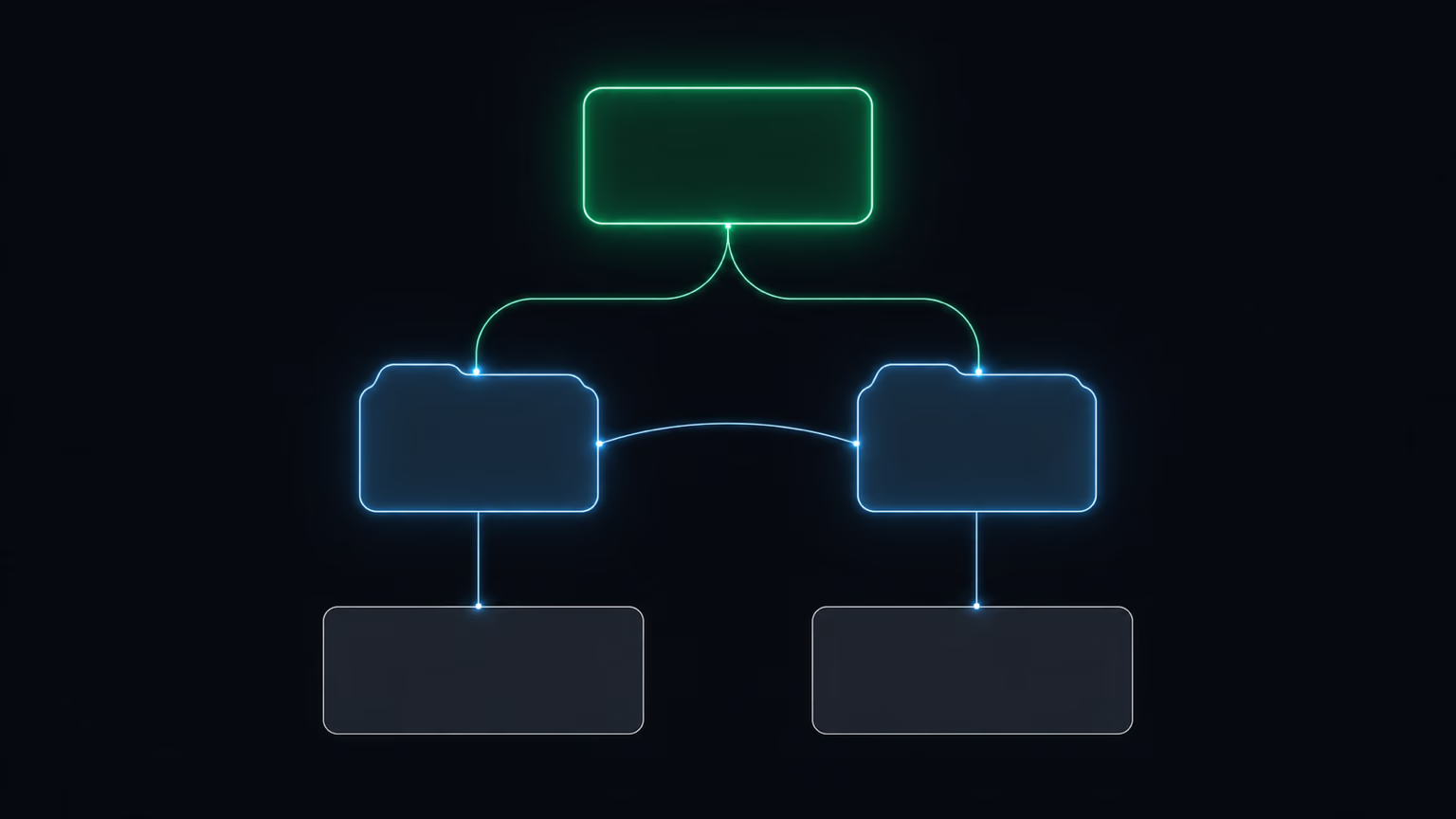
Three groups in this tree: Claude's files, Codex's files, and — most important — the references/ folder that both reach into. This is where the real project knowledge should live.
Five things that surprise you at the start
These are differences you can't sweep under the rug. Better to learn them now than at the first error.
- Both have skills, but in different folders. Claude reads from
.claude/skills/, Codex from.agents/skills/. TheSKILL.mdfile itself has a similar shape, but tool names or automatic actions specific to Claude may need a small tweak for Codex.
- Agents come in different formats. A Claude agent is a
.mdfile with a short header. A Codex agent is a.tomlfile. The substance of the role can be the same — the wrapping is different.
- Settings files can't be copy-pasted across. You can't copy
.claude/settings.jsoninto.codex/config.toml. These are different formats that configure different things. Keep them separate.
- Codex reads nested instructions. Both tools understand a
CLAUDE.mdorAGENTS.mdplaced in a subfolder — local instructions for that part of the project. Codex merges them from the repository root downward to the current folder. The nearest file wins.
- Sub-agents behave differently. Markdown versus TOML isn't just a different notation — it's also a different execution model. The role itself may sound similar, but don't assume the file carries over one-to-one.
And one bonus that ties it all together: keep shared context outside the tool folders. Put repeatable knowledge in docs/, references/, templates/. Then both tools read the same source instead of drifting apart over time.
The three-layer rule
This whole puzzle comes down to one rule worth pinning above your desk. Split the project into three layers and you'll never write the same thing twice.
Layer 1 — shared knowledge. Lives in references/, docs/, templates/. Every agent reads it. Here you duplicate nothing: a single source of truth about what the project is, what it looks like, what rules it follows.
Layer 2 — workflows (skills). The same basic SKILL.md shape in two folders: .claude/skills/ for Claude and .agents/skills/ for Codex. You sync the files, then — if needed — fine-tune the tool-specific details.
Layer 3 — tool configuration. Stays in .claude/ and .codex/. These two layers don't overlap. Don't try to merge them.
This is a common mistake I see: people write the project description straight into CLAUDE.md, then into AGENTS.md, and maintain two full copies. After a month the copies drift apart and no agent has the current truth anymore. One source in references/, two thin adapters pointing to it — and the problem disappears.
The fastest way to convert a project from Claude
If you already have a project built for Claude Code, don't rewrite it by hand. Open it in Codex and ask it to add the adapter layer itself. You paste a prompt along these lines:
I built this project in Claude Code and I want it to work in Codex too. Review the project and create an adapter layer for Codex. Specifically: 1. Create
AGENTS.mdin the root. UseCLAUDE.mdas the source of project knowledge, don't needlessly duplicate long passages, explain thatAGENTS.mdis an adapter for Codex, and include a clear project map. 2. Create.codex/config.toml— start with a minimal, safe configuration, with no secrets at all. 3. Create.agents/skills/and copy the important skills there from.claude/skills/. Keep eachSKILL.mdtogether with its supporting files. Don't put skills in.codex/skills/. 4. Create.codex/agents/for the important agents. Claude's agents are.mdfiles; Codex's agents are.toml. Translate the instruction content into Codex's format. 5. Update.gitignoreso local overrides and secrets don't end up in the repository. Before you change anything, show me the list of files you want to create or edit.
The crux is the last sentence and one rule above it: don't rebuild the project — add the Codex layer alongside the Claude layer. You don't touch what works. You add a second adapter to the same source of knowledge. And asking for the list of files before editing is your safety brake: you see what the agent intends to do before it does it.
How to keep it in sync
The whole arrangement works only as long as both tools stay synchronized. It's a matter of four habits, not constant effort.
- Changing the project instructions? Keep
CLAUDE.mdandAGENTS.mdin sync. Don't maintain two full copies — pick one file as the source of truth and make the other a thin adapter that points to it. - Creating a skill for Claude? Copy it into
.agents/skills/if Codex should use it too. - Creating an agent for Claude? Make a matching
.codex/agents/<name>.tomlif Codex should run it. - Adding shared knowledge? Put it in
docs/,references/, ortemplates/, so every tool reads the same source.
The principle to take away from this is simpler than the whole table of names: project knowledge belongs to the project, not to the tool. The more truth you keep in shared folders, and the thinner your adapter files, the easier it is to add a third, fourth, and every further agent — without rewriting anything from scratch.
The next step is small: open your project and check where the description of what it is lives today. If it's sitting in CLAUDE.md, move it to references/ and leave in CLAUDE.md only a pointer to where to look. That's one move, and half the work is behind you.