
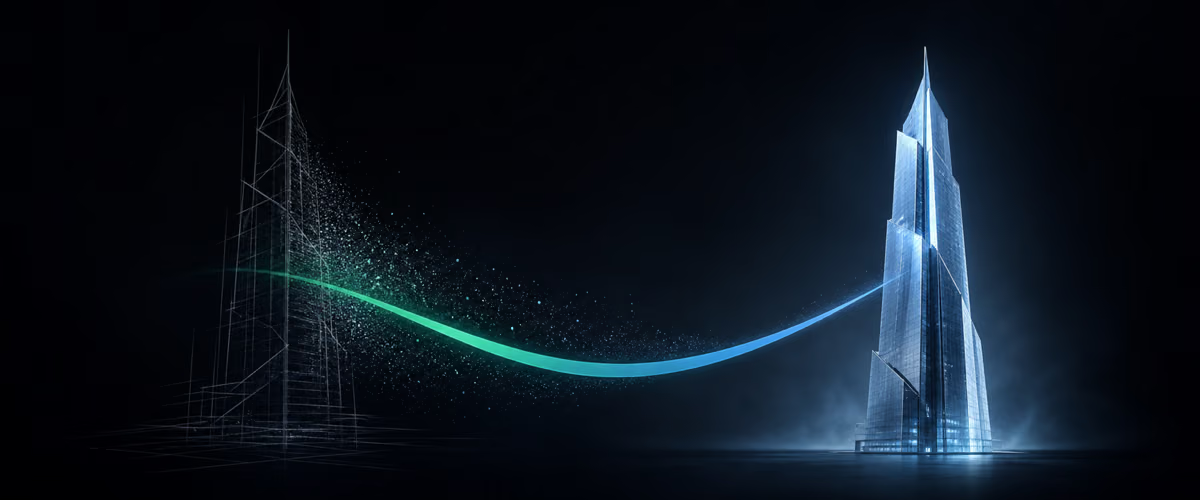
Sites with smooth video in the background — a car turning, headphones unfolding, a building rising into the sky — used to require a film crew, a location shoot and a big budget. Today you can put a similar effect together in minutes from two tools: a video generator and an assistant that builds the site for you. Sites like these are sometimes called "ten-thousand-dollar sites" — that's a judgment about the visual effect, not a price for the work. I'll walk you through the process calmly, step by step.
What the whole process consists of
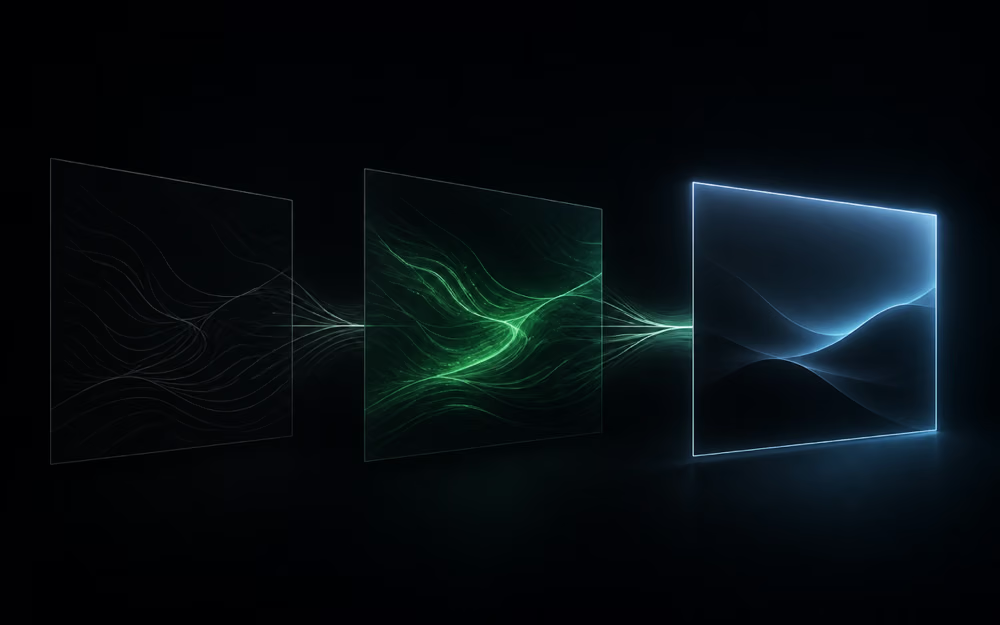
The idea is simple and has three stages. First you create a starting image — a single graphic the animation will begin from. Then that image goes into Seedance — an AI-based video generator that produces a short, moving clip from a still and a verbal description. Finally the finished video moves into Claude Code — a tool where Claude (the AI model) works on engineering tasks: it reads the files on your computer and writes the site's code itself, while you talk to it in plain language.
The whole thing revolves around one conversation. You describe what you want; the tools do the work. You don't need to know code — you need to be able to say clearly what the result should look like.
Setting up the environment
The starting point is Visual Studio Code — a free program where the project's files show on the left and you talk to Claude in the middle. After installing it, you add the Claude Code extension and log in with an account (I'd suggest starting with the $20-a-month subscription rather than paying per query — for this kind of use it works out cheaper).
In the project you create a .claude folder — the place where Claude Code looks for its settings and so-called skills. A skill is simply an instruction written in plain language that tells the tool how to carry out a specific task — here: how to write a good video description for Seedance. It's a one-time setup; after that you use it on every site that follows.
From image to video
The image first. It's created in a separate graphics generator from a short prompt: "a technical drawing of a high-rise on sketch paper, sketched roughly three-quarters of the way." One important detail: make the image in a 16:9 aspect ratio (a horizontal rectangle), because the video will be made in that same ratio — it's easier when one matches the other.
Then that same image goes into Seedance as the clip's first and last frame. This is deliberate: since the film starts and ends on the same frame, you can loop it so it plays over and over with no visible "jump." To a visitor on the site, it looks like an endless, calm background.
The video description itself is composed by Claude Code. You just show it the image and describe the scene in human terms: the sketch fills in, the camera moves into a real city, the building rises all the way to the roof, halfway through the words "Turn ideas into reality" slide in from the left, and at the end the frame returns to the original sketch. Claude turns that description into a finished prompt for the generator. Two things worth knowing. First, this kind of generation costs money — it's billed in credits, and the number rises with the clip's length and quality (a ten-second video can be noticeably cheaper than a fifteen-second one). Second, it pays to make two versions and compare — the shorter one often comes out livelier.
Building the site in Claude Code
The finished video goes back into Claude Code. It's worth turning on two settings here. Plan mode makes Claude first talk through with you what it's going to do, and only start writing code once you've approved it — so it doesn't build blindly. The second is an extra skill for designing sites (front-end design), which gives the tool a better sense of aesthetics.
The prompt is descriptive again: "the whole top section of the site should be filled by this video, with no headings; this is an architecture firm's site, it should feel trustworthy and professional; below the video, fill in the content and layout; the film should run in an endless loop." That top, first section of the site — the one you see the moment you arrive — is called the hero; it's the face of the site and the first thing that catches the eye.
In plan mode Claude asks its own questions: what the company is called, whether there are brand colors, what the mood should be. Here you can supply your own logo and guidelines, or ask it to invent a name and a brand from scratch. Once the plan is approved, Claude writes the site. The result is a file that, for now, runs locally — only on your computer, not yet on the internet — and you can view and refine it.
Then come the tweaks, in plain language too: add a smaller engine video above the stats section, change the figure from 58 to 60 years. Here's a clever trick: you can find a site whose look you like, save a screenshot of it, and ask Claude to bring the style closer to it — the tool will rebuild the layout while keeping your video and content.

Publishing it on the internet
The finished site still sits only on your computer. For anyone else to see it, you have to publish it — put it up at an internet address. Two tools handle this. GitHub works like a shared drive for code: you push your project there so it's reachable from outside your computer. Vercel takes that project from GitHub and serves it at a real address — from that point on, anyone who types it in sees the site. Claude Code can set up the repository (the project's "store" on GitHub) and push the files there itself.
The most convenient part is what happens afterward: once you've connected GitHub to Vercel, every later tweak only has to reach GitHub — Vercel picks it up itself and, in half a minute, updates the live site. From your side it feels like working with a single tool, even though two are running underneath.
One sensible note to finish. When you push a project to the internet, you have to be careful about what doesn't get uploaded — above all passwords and access keys to other services. A site this simple usually has no such data, so there's no problem, but it's a habit worth keeping from the start.
What's left from all this? A concrete, repeatable flow: an image, a video from Seedance, a site from Claude Code, publishing through GitHub and Vercel. The phrase "a ten-thousand site" is a judgment about the visual effect alone, not a price for the work — but the very fact that a result like this is assembled from descriptions typed in plain language says a lot about how far the bar has moved.