
A video published yesterday becomes a written article, with screenshots lifted from the footage and dropped into the paragraphs where they belong. A landing page appears for a course that already existed, in the same visual language as the site it will sit next to. A personal dashboard grows a new meetings tab wired to a real calendar. None of it was typed. Someone spoke, kept talking while the work ran, then picked up a phone and walked out the door. I want to take that session apart: what has to exist before the first sentence, how to phrase a request so the work lands where you meant it, how several running threads stay coordinated, and what you still have to open and check yourself.
Voice is a thin layer over the agent
The tempting conclusion is that the voice is the breakthrough. It isn't. Voice mode is a thin layer over the same coding agent you would otherwise be typing to. In the setup I'm describing that agent is Codex, reached through the GPT-6 Astra voice mode, and the rule is simple: it can do exactly what the agent can do, and nothing beyond it. What changes is the shape of your hands and your attention. You can dispatch work without a keyboard, hold several threads open at once, and start a task from a phone as easily as from a desk. That is a real change in how much you delegate, but it is not a change in capability.
Before you say the first sentence
Speaking to an agent that knows nothing about you produces generic work quickly, which is worse than typing. The quality in a session like this comes from the workspace that already existed before anyone opened their mouth.
That workspace is a small number of concrete things. Project context, meaning the files and prior work the agent is allowed to read. Connected tools: a calendar, the channel your team actually talks in, the task tracker, the place your meeting notes land. And skills, the written instructions that tell the agent how you want a particular kind of job done, so you don't respell it every time.
What that buys you is a crawl. Given a loose request, a good agent goes looking before it acts. Asked for a cover image in a specific format, it went and found the right existing thumbnail on its own, without being told which one. Asked for a landing page, it matched the visual style of the site that page would live beside, again unprompted. Neither of those is intelligence in the abstract. Both are the agent reading a workspace that had something worth reading. If you want that behavior, the honest first step is not learning to talk to an agent. It is building the operating system it talks into.
Name the project before you delegate
The most instructive moment in a voice session is usually a misfire, and this session has a clean one.
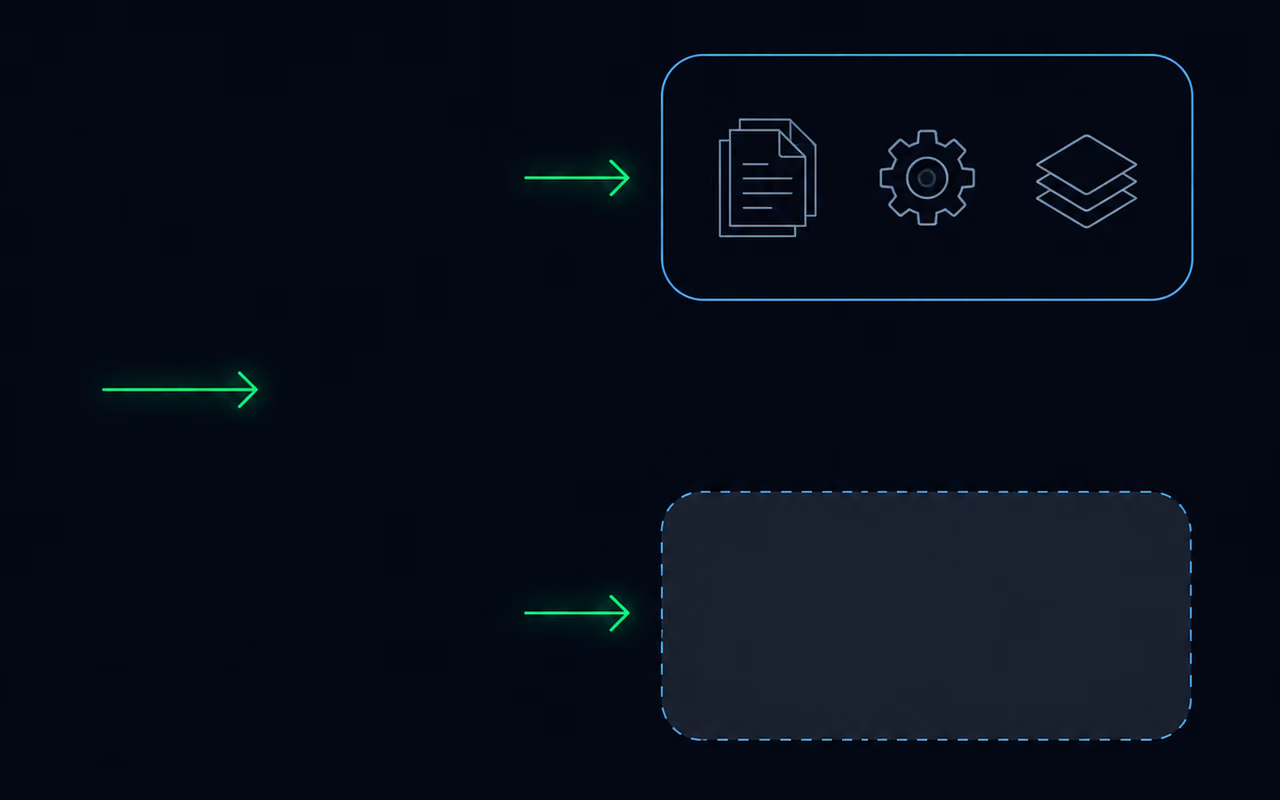
Two tasks get handed off. The agent obliges and starts two threads. Both of them open as plain chats, outside the project that holds the files, the connections and the skills. They would have worked. They would have produced something generic, using none of the context that made the workspace worth building. The fix took one sentence spoken a minute later: work inside my project for all of these tasks. Both threads were stopped, told to hand over whatever they had verified, and restarted in the right place.
The lesson generalizes past voice, but voice makes it sharper, because speaking is fast and you skip the scaffolding you would type without thinking. Two habits cover it:
- Name the project or context in the first sentence of the request, before the task itself. "Working inside my client project, draft the follow-up email" beats "draft the follow-up email" every time.
- Look at where the threads actually landed before you walk away. The agent will tell you what it started; the interface will show you where. A thread running in the wrong context looks perfectly healthy from the outside.
Cheap to check, expensive to discover an hour later when the output arrives polished and wrong.
Several threads, one conversation
The part that changes how much you can hold at once is that the threads run in parallel and still talk to each other.
An article and its cover image were dispatched as separate threads at roughly the same moment, and neither waited for the other. When the cover came back and got a spoken "that looks great", that approval was relayed into the article thread, which then used the approved image. Approving one thing in one place moved another job forward somewhere else, without anyone copying anything across.

You can also stop talking. Pause the voice chat, let the work continue, come back when there is something to see. Pick the same conversation up on a phone, start a research thread from there, and keep scrolling while it runs. The conversation is the persistent object; the voice is just how you reach it at that moment.
If the coordination sounds familiar, it should. This is the same delegation model as sub-agents inside a coding assistant, with the orchestration moved up to where you can hear it. The discipline is identical too: independent work in parallel, dependent work told about the dependency.
Voice removes typing, not review
Everything above still lands as output you have to open.
The screenshots in that article were placed and cropped, which sounds like a finished job until you look at where they were placed. The skill blurs sensitive material automatically, an API key or a personal email caught before publication. Automatic is not the same as verified, and blurring is exactly the kind of task where a near-miss looks identical to a hit. The meetings tab pulled real calendar entries and real meeting summaries, which is the reason to check it: wrong data that is clearly wrong costs you nothing, and wrong data that looks right costs you a decision.
So the review step survives intact. What voice removes is the typing and the need to be at a desk. Everything downstream of "the agent says it's done" is unchanged, and if anything you need more of it, because voice makes it so easy to have several things done at once that you can lose track of which ones you actually looked at.
The principle I keep coming back to is that a control surface only amplifies what it is pointed at. Voice pointed at an empty workspace gives you fast generic output. Voice pointed at a workspace with your context, your connections and your written-down standards gives you work you would have done yourself, minus the typing. If you want to test that on your own setup, pick the task you delegate most often and check one thing: could an agent find everything it needs without asking you? Whatever it couldn't find is the next thing to build.